
The Phone at Night: How to Take the Gadget Away Before Bed Without a War
The working solution is two steps: set up Downtime in Screen Time (the phone blocks apps automatically, say from 10:00 p.m. to 7:00 a.m.) and make a family rule that the phone doesn’t sleep in the bedroom. And if you want to stop the urge to “catch up” on missed screen time at night, set limits during the day too — Mova can do that.

Roman Shkabko · 9 min read
What a phone before bed really does to sleep
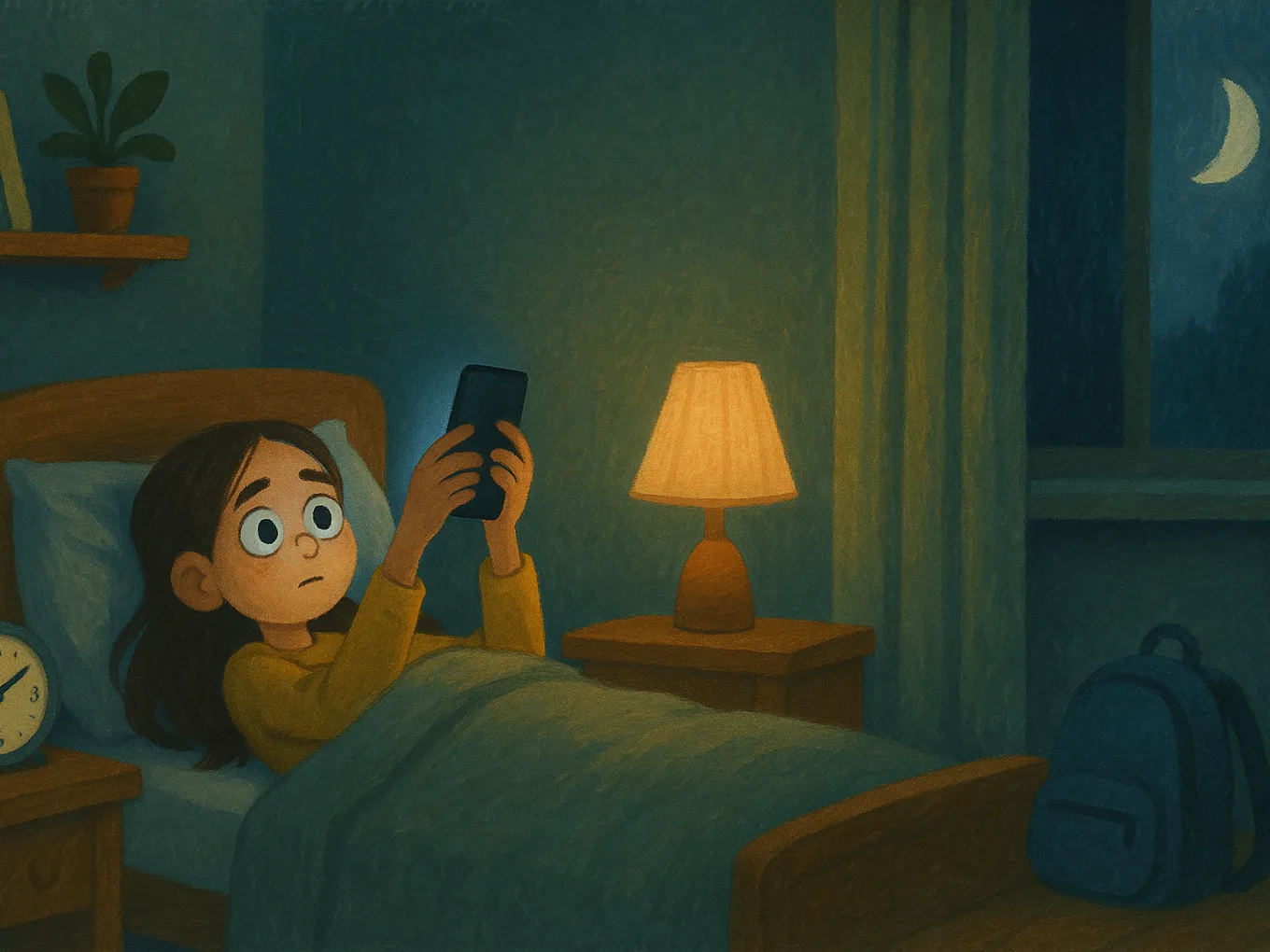
The main problem is not blue light, but stimulation. A feed of short videos has no natural stopping point: the brain stays activated, and falling asleep gets pushed back by 30–90 minutes.
Second, it steals sleep time. Time on the phone after lights out comes straight out of sleep. AAP and CDC guidelines say children 6–13 need 9–12 hours of sleep, while teens 14–17 need 8–10. If a child falls asleep at 12:30 a.m. and gets up at 7:00, that means 2–3 hours less sleep every day: harder mornings, irritability, and worse concentration.
Third, it fragments sleep. A phone under the pillow keeps buzzing at night, and sleep becomes lighter and more shallow. How much screen time is normal is covered in the article on age-based screen time limits.

Signs that your child is on the phone at night
The indirect signs: the child is impossible to wake up, sleeps in for 3–4 hours on weekends, and the phone is dead in the morning.
The Screen Time report gives you a direct answer:
- On your iPhone, open Settings → Screen Time and choose the child (you need Family Sharing — see the step-by-step guide to parental controls on iPhone).
- Tap “See All Activity” and switch to “Week” → a specific day.
- Bars after 11:00 p.m. and between 1:00–4:00 a.m. are night sessions. Below, you can see which apps were active.
How to set up Downtime on iPhone: step by step
Downtime is a Screen Time mode in which only calls and apps you allow stay available. On iOS 17+, it takes five minutes:
- Open Settings → Screen Time and select the child.
- Tap “Downtime” and turn it on.
- “Customize Days”: on weekdays, for example, 10:00 p.m.–7:00 a.m.; on weekends, 11:00 p.m.–8:00 a.m.
- Turn on “Block at Downtime” — without it, the child can simply tap “Ignore Limit.”
- In “Always Allowed”, leave Phone, Messages, and Maps if needed. Don’t add games or social media here.
- There, in “Contacts”, allow communication with parents and close family.
- Check that the child does not know the Screen Time passcode and that it is not the same as the device unlock code.
Now it’s not mom who is banning the phone, but the system, in the same way every day. If the code is bypassed — what to do when the Screen Time passcode has been bypassed or forgotten. Mova works the same way, by the way, just for daytime: games open not because you say so, but because an English lesson has been completed.
Rules without a war: what works in ordinary families
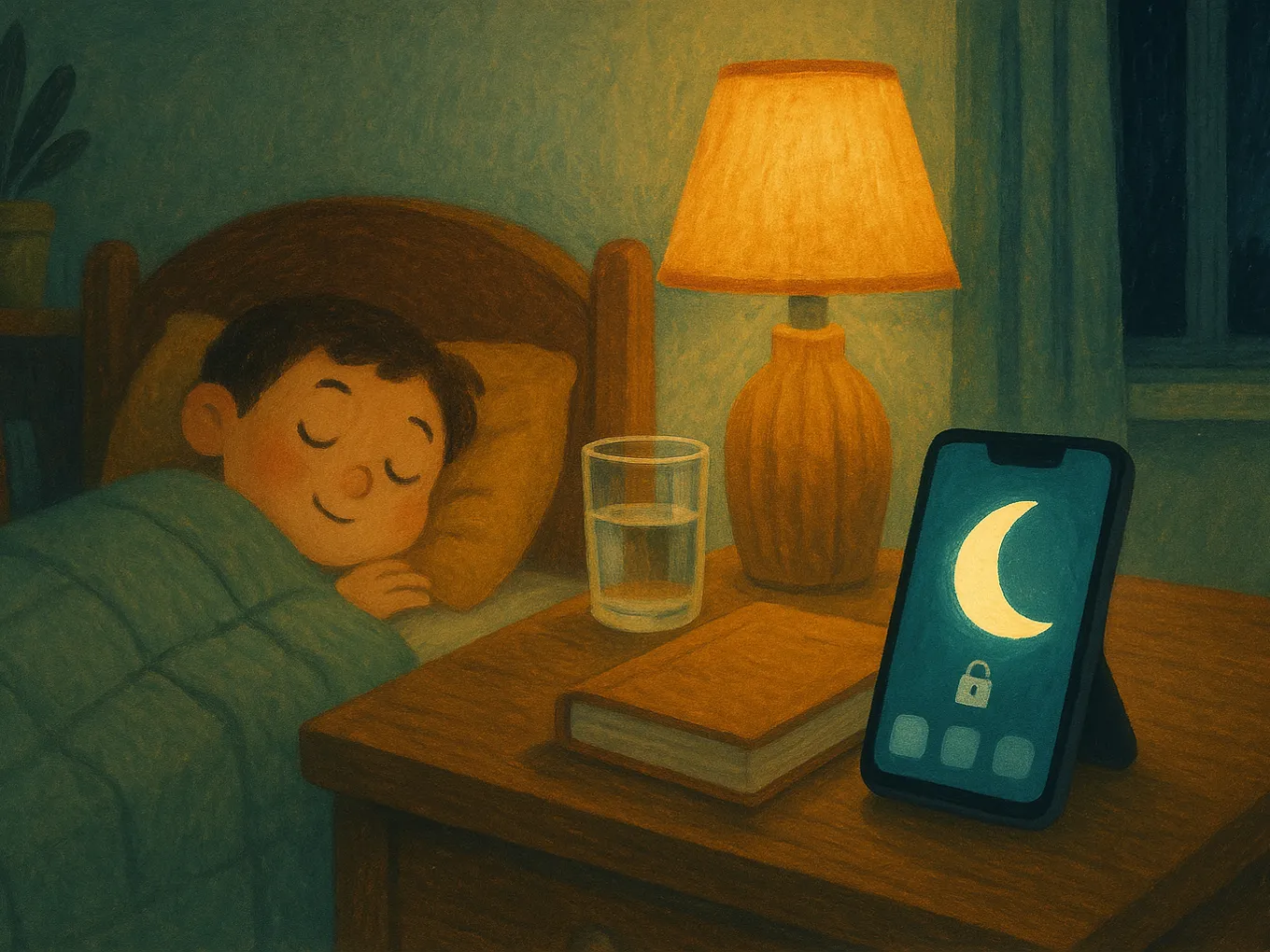
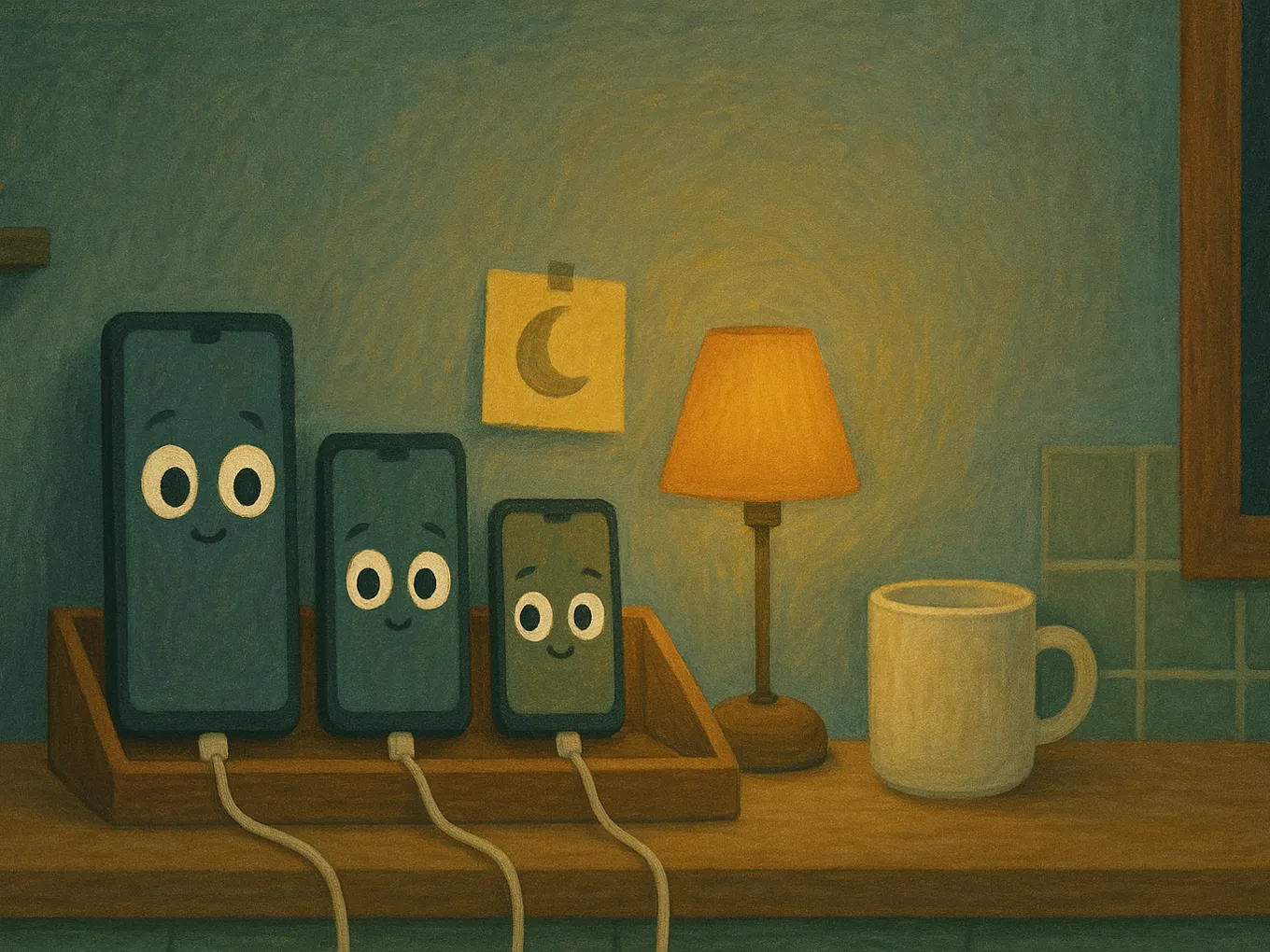
- The phone doesn’t sleep in the bedroom. This is the most effective rule: when the gadget is within arm’s reach, blocking it feels like a challenge to be bypassed.
- The charger lives in the kitchen. Don’t make it “hand in your phone,” make it “put it on charge” — for everyone in the family, including you.
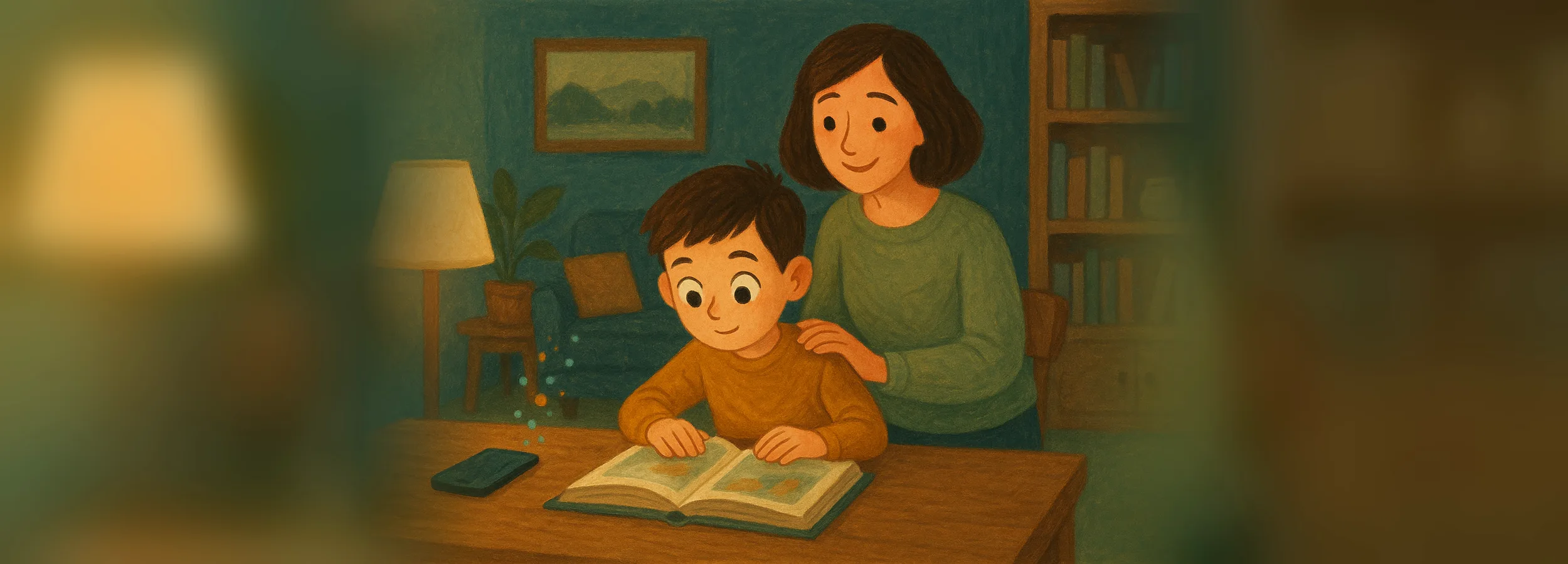
- A screen-free buffer hour. Shower, reading, talking, packing the backpack. The easiest way to make this happen is to build it into the evening routine — see the example in the schoolchild daily routine template.
- Daytime screen time needs a limit too, not just nighttime. Anyone who “didn’t finish playing” during the day will try to make up for it at night. The simplest way to set that boundary is with Mova: instead of negotiating over minutes, screen time is earned with English lessons — earn 30, play 30. You don’t have to fight for it every evening; it holds itself.
- Introduce the rule through a family conversation, not an order. Let the child help choose the details — people who help create a rule are less likely to break it.
Mova: the screen has a limit before evening even starts
Downtime protects the night, but not the root cause: if the screen was a battlefield during the day, the child will try to make up for it at night. That’s why the best addition to nighttime rules is Mova: games, social media, and videos on iPhone are blocked by Apple’s built-in system, and the only way to unlock them is by earning minutes through daily English lessons. The daytime limit stops being a daily argument, and the night phone no longer has anything to “catch up” on.
- Minutes exactly as many as were earned. The “Super” test gives 30 minutes, “Good” gives 20, and all “Super” tests in a day add another 10. A three-hour night marathon simply can’t be paid for.
- Unused time can expire overnight. You decide whether minutes roll over to tomorrow — so there’s no “I’ll save them up and use them at night.”
- There is no “just five more minutes.” It’s impossible to add minutes manually in Mova — not for the child, not for you, even if you really feel like giving in late at night. Only lessons top up the balance, so there is no one to bargain with before bed.
- One balance across all devices. An old tablet under the blanket does not create extra time.
- Blocks by category. A new game or social app is blocked automatically; the list changes only with your PIN.
What it does not do: it does not physically take the phone out of the bedroom — the kitchen charger and Downtime remain your nighttime tools. It works only on iPhone.
“I need an alarm clock”: answers to a teen’s objections
The goal is not confiscation, but a new routine. Replies that work better than “because I said so”:
| Objection | What to say and do |
|---|---|
| “I need my alarm clock” | “Okay, let’s solve that”: a regular alarm clock for 150–400 UAH (roughly, 2026) or an old phone without a SIM card in airplane mode. That objection is gone in one evening. |
| “What if someone writes me something important?” | “If it’s important at night, it’s a call, and calls from close family are allowed.” Everything else can wait until morning — your friends should have a night too. |
| “You don’t trust me!” | “I trust you. I don’t trust the feed — it’s designed so no one lets go. That’s why my phone sleeps in the same place.” Shift the conversation from “you against me” to “us against the algorithm.” |
| “None of my classmates have their phone taken away” | “In our family, this is the rule, and it applies to all of us.” Show the sleep graph from the Screen Time report. |
| “That’s unfair, you’re changing the rules halfway through” | Be honest: “Yes, we’re adjusting. Let’s decide together what day we start.” A week-long transition period removes most resistance. |
If the objections are really about addiction — tantrums, lying, abandoned hobbies — nighttime rules alone won’t be enough. You need a broader plan: how to get a child off the phone without scandals.
Frequently asked questions
How long before bed should the phone be put away?
60 minutes before bed, at minimum 30. The issue is not so much the screen light as the stimulation: after videos or games, the brain needs time to settle down. Fill that buffer hour with a shower, reading, or conversation.
Does blue screen light really interfere with sleep?
It does delay melatonin a bit, but that’s secondary. The main harm comes from short-video feeds: they keep the brain stimulated and push sleep back to “just one more video.” Night Shift does not solve this.
At what age should the phone be taken away at night?
From the first phone — that way, the rule “the phone doesn’t sleep in the bedroom” feels like a norm, not a punishment. If a 14–16-year-old has slept with the phone under the pillow for years, make the transition gradually: first Downtime, then the charger in the kitchen.
Can we make an exception on weekends?
You can move bedtime back by an hour. But keep the rule “the phone leaves the bedroom at night” without exceptions: “sometimes” quickly becomes “always.”
My teen doesn’t sleep because of the phone and is exhausted during the day. Is that already addiction?
Not by itself — that’s typical behavior: social media is designed not to let go. Warning signs are lying about screen time, anger over limits, and everything else being abandoned. Then you need a broader plan, not just nighttime rules.
The child bypasses Downtime. What should I do?
Check that the child doesn’t know the Screen Time passcode and that it’s not the same as the unlock code, and make sure “Block at Downtime” is enabled. More reliable than software is the charger in the kitchen. And to reduce nighttime attempts, give the screen a fair boundary during the day: in Mova, minutes are earned with English lessons, and the balance is shared across all of the child’s devices.
Want screen time to have a limit before evening even starts — without daily arguments? Try Mova for free.
Also read:
- A schoolchild’s daily routine: a template that includes both lessons and phone time
- Cliff-note thinking and “dopamine addiction”: why a child can’t tear themselves away from the screen
- Parental controls: Screen Time vs Family Link vs Mova — what to choose
- Lessons with a phone in hand: how to remove distractions without taking the phone away