A Student’s Daily Routine: a Template That Includes Both Lessons and Phone Time
A workable school-day routine rests on four anchors: 9–12 hours of sleep, schoolwork before entertainment, clear screen limits, and a separate weekend routine. Below are hour-by-hour schedules for grades 1–4 and 5–9, plus a weekend version—with an honest place for the phone. And the most fragile line of all—“English lesson, then screen time”—Mova handles on its own.

Roman Shkabko · 9 min read
4 principles without which a routine won’t work
1. Sleep is the main anchor: 9–12 hours
The American Academy of Pediatrics recommends 9–12 hours of sleep for children ages 6–12 and 8–10 hours for teens ages 13–18. If wake-up is at 7:00, that means a younger student is asleep by 21:00, and a teen no later than 22:30.
2. Schoolwork comes before entertainment, not after
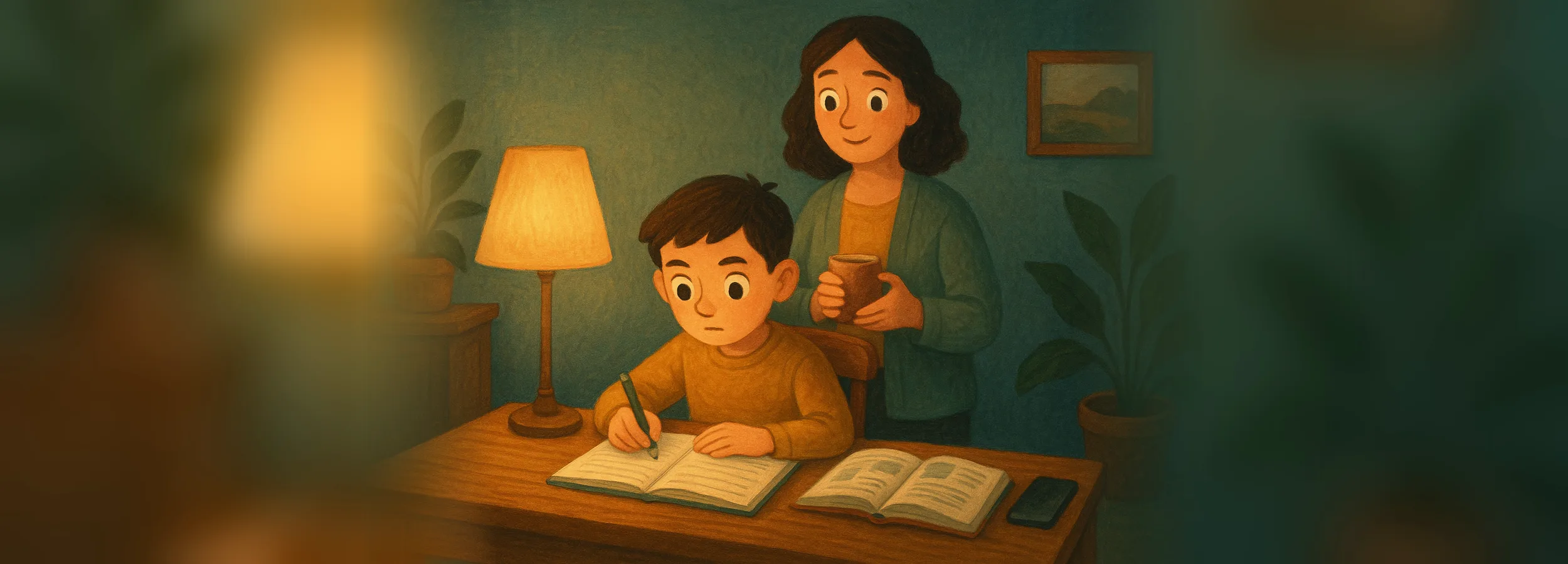
Homework, reading, and a short English lesson come before cartoons and games—always, no negotiations. This isn’t a punishment: the child knows screen time will happen as soon as the important things are done. How to do homework without a phone in hand: how to remove distractions without taking the phone away.

3. Screen time needs clear limits—and it can be “earned”
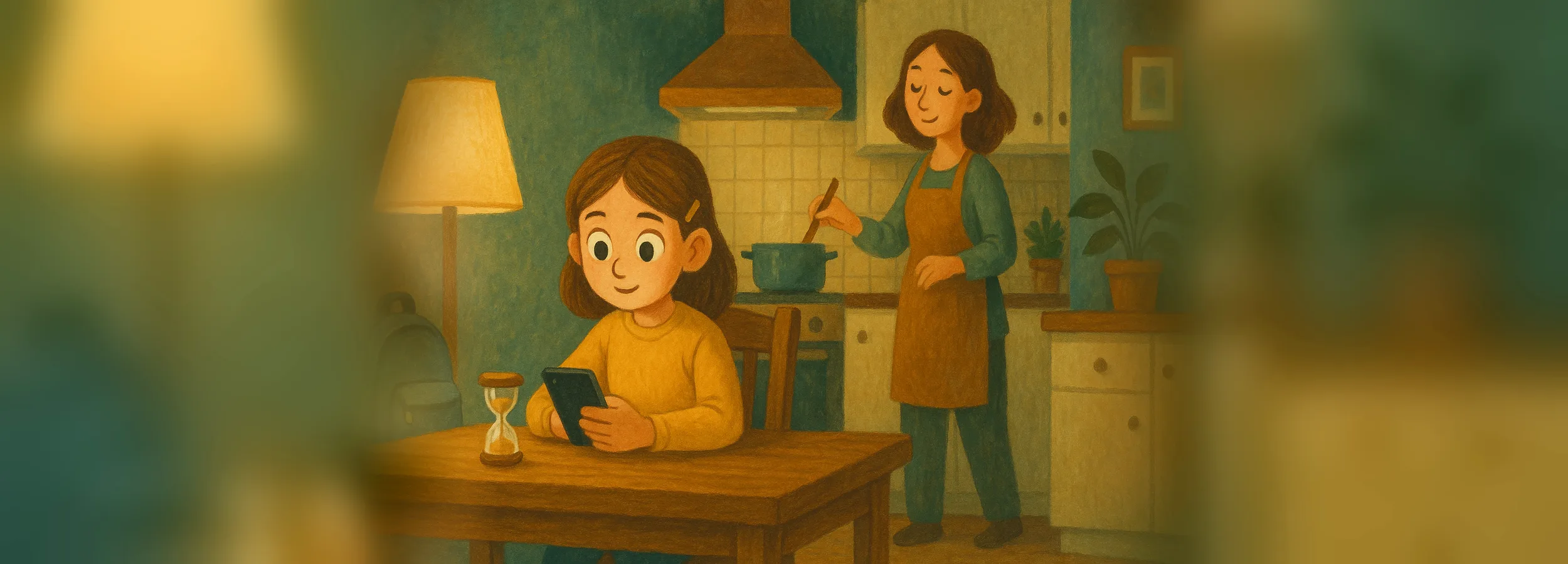
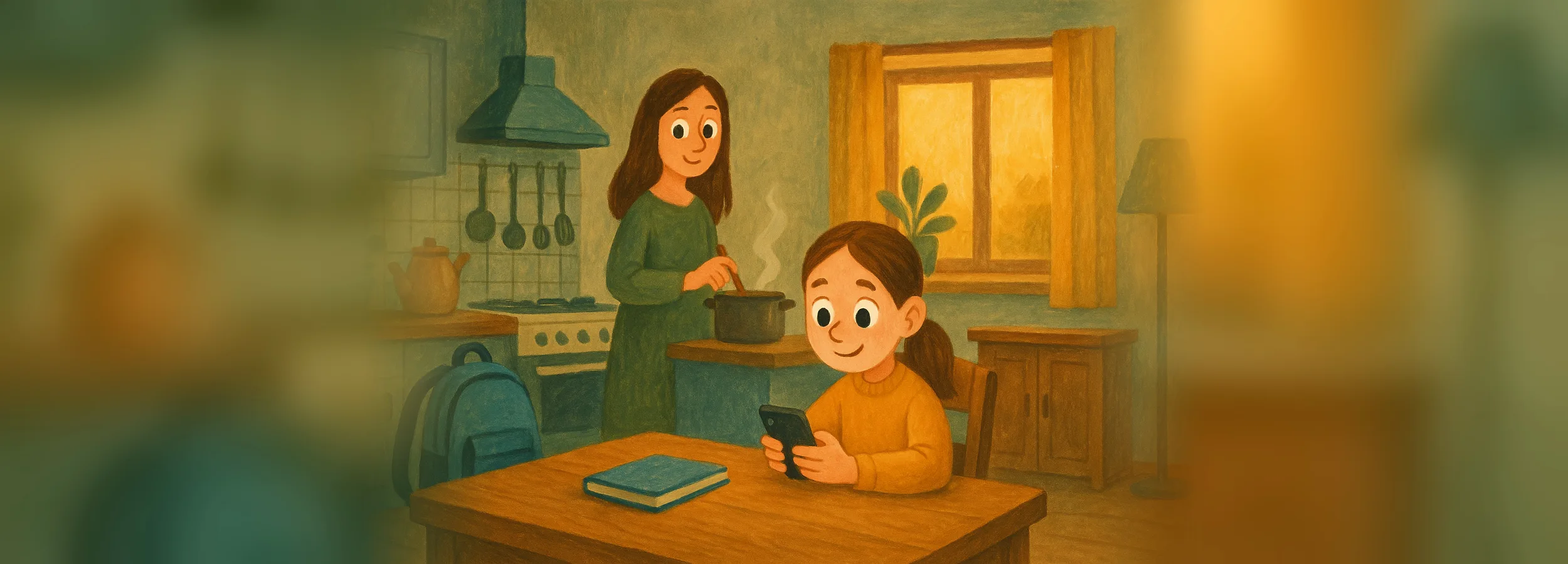
A routine with no phone loses on day one. It’s more realistic to set aside a window: 45–60 minutes after homework (for guidance, see how much time a child can spend on the phone). What works best is “short learning unlocks screen time.” Doing that manually means defending it every day: someone has to check the lesson, count the minutes, and take the phone away on time—and within a week, nobody keeps it up. With Mova, the child completes an English lesson, the minutes are credited automatically, and games open only for what’s been earned—you don’t have to count or remind.
4. Weekdays ≠ weekends
A school schedule on Saturday leads to rebellion; total anarchy leads to a broken Monday. The solution is a separate weekend routine with the same anchors.
Ready-made daily routine for grades 1–4
Morning shift, wake-up at 7:00. Move items around if you need to, but keep the order “homework → English → screen time” and stick to bedtime.
| Time | What we do |
|---|---|
| 7:00–7:30 | Wake-up, wash up, 5 minutes of exercise |
| 7:30–8:00 | Breakfast, get ready for school (no phone at the table) |
| 8:00–13:00 | School |
| 13:00–14:00 | Come home, lunch |
| 14:00–15:00 | Screen-free rest: walk, play, building set |
| 15:00–16:00 | Homework (45–60 min with one break) |
| 16:00–16:15 | English lesson → screen time unlocks |
| 16:15–17:15 | Screen time: games, cartoons (45–60 min) |
| 17:15–18:30 | Club, sports, or a walk |
| 18:30–19:00 | Dinner |
| 19:00–20:00 | Free time without screens: board games, drawing, helping around the house |
| 20:00–20:30 | Shower, reading; phone goes on charge outside the child’s room |
| 20:30–21:00 | Bedtime |
The key line is 16:00: a short daily dose of English adds up to more over a year than one hour once a week (see the 15-minutes-a-day habit). This is exactly the line that gets “eaten up” first in any schedule, so it’s better not to supervise it but to build it into the phone: with Mova, games, social media, and videos on iPhone stay locked until the child completes the lesson—so 16:00 happens without your reminder.
Daily routine for grades 5–9
The differences for middle school: a longer homework block, more independence, and 8–10 hours of sleep instead of 9–12.
| Time | What we do |
|---|---|
| 7:00–7:40 | Wake-up, shower, breakfast |
| 8:00–14:30 | School |
| 14:30–15:30 | Lunch, screen-free rest |
| 15:30–17:30 | Homework (10-minute break every half hour, phone in another room) |
| 17:30–17:45 | English lesson → screen time unlocks |
| 17:45–19:00 | Screen time or meeting up with friends |
| 19:00–19:30 | Dinner |
| 19:30–21:00 | Club, sports, hobby, or free time |
| 21:00–21:45 | Personal time, get ready for tomorrow |
| 21:45–22:00 | Phone goes on charge outside the bedroom |
| 22:00–22:30 | Bedtime |
The hardest point at this age is the phone at night. Introduce the rule “the phone doesn’t sleep in the bedroom” together with the routine—how to do it without war is in the article about the phone before bed.
Weekend routine for schoolchildren
The anchors stay the same: wake-up no more than an hour later, lesson before screen time, same bedtime.
| Time | What we do |
|---|---|
| 8:00–9:00 | Wake-up (an hour later than on a school day), breakfast |
| 9:00–9:15 | English lesson → screen time unlocks |
| 9:15–10:30 | Screen time (on weekends, up to 1.5–2 hours total per day) |
| 10:30–13:00 | Activity outside the house: walk, sports, family errands |
| 13:00–14:00 | Lunch |
| 14:00–17:00 | Free time: friends, hobbies, second part of the screen-time window |
| 17:00–18:30 | Homework for Monday (better on Saturday than Sunday evening) |
| 18:30–19:30 | Dinner, family time |
| 19:30–20:30 / 21:30 | Calm screen-free activities, reading |
| 21:00 / 22:30 | Bedtime: grades 1–4 earlier, grades 5–9 later, same as on school days |

How to introduce a routine without resistance
- Start with 2–3 anchors, not the whole table. Fixed bedtime, “homework before screen time,” and daily English. Add the rest when these three are already holding on their own.
- Create the schedule together with your child. A routine that includes their own decisions is one they defend as their own.
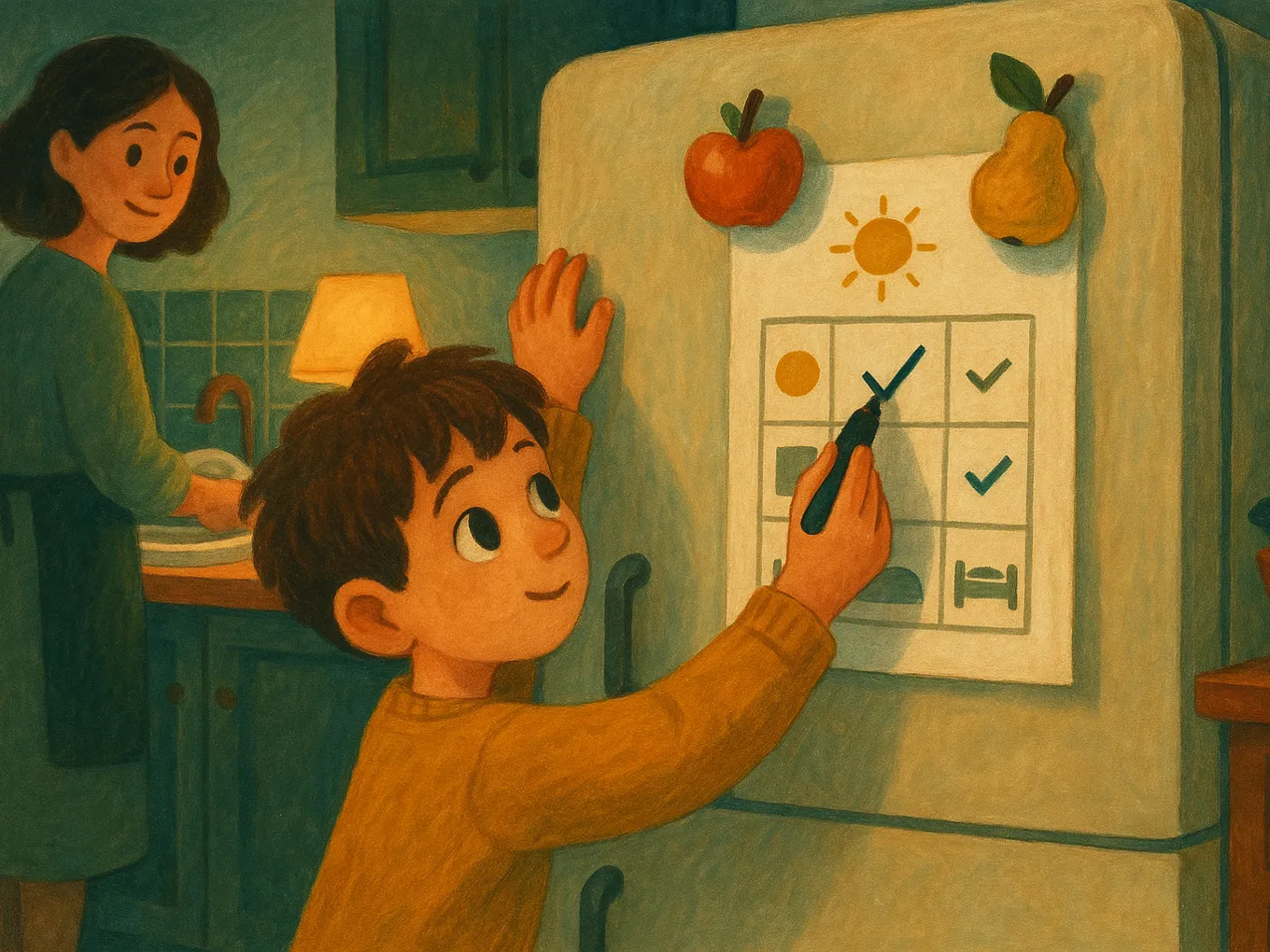
- Put the schedule on the fridge. “Check the schedule” sounds calmer than saying “go do your homework” for the tenth time. But after a week, nobody usually keeps up with the chart on the fridge—so the most fragile line, “lesson → screen time,” is better moved into Mova: there it happens by itself every day, without checkmarks and without your supervision.
- Give it two weeks to settle in. The first days will be messy—don’t punish, just bring things back to the anchors.
- Keep consequences predictable. Didn’t do the lesson—screen time doesn’t unlock today, no yelling and no “fine, just this once.” In Mova, this happens without you: the phone simply doesn’t unlock, and if the test isn’t passed, there’s another try in an hour with different questions.
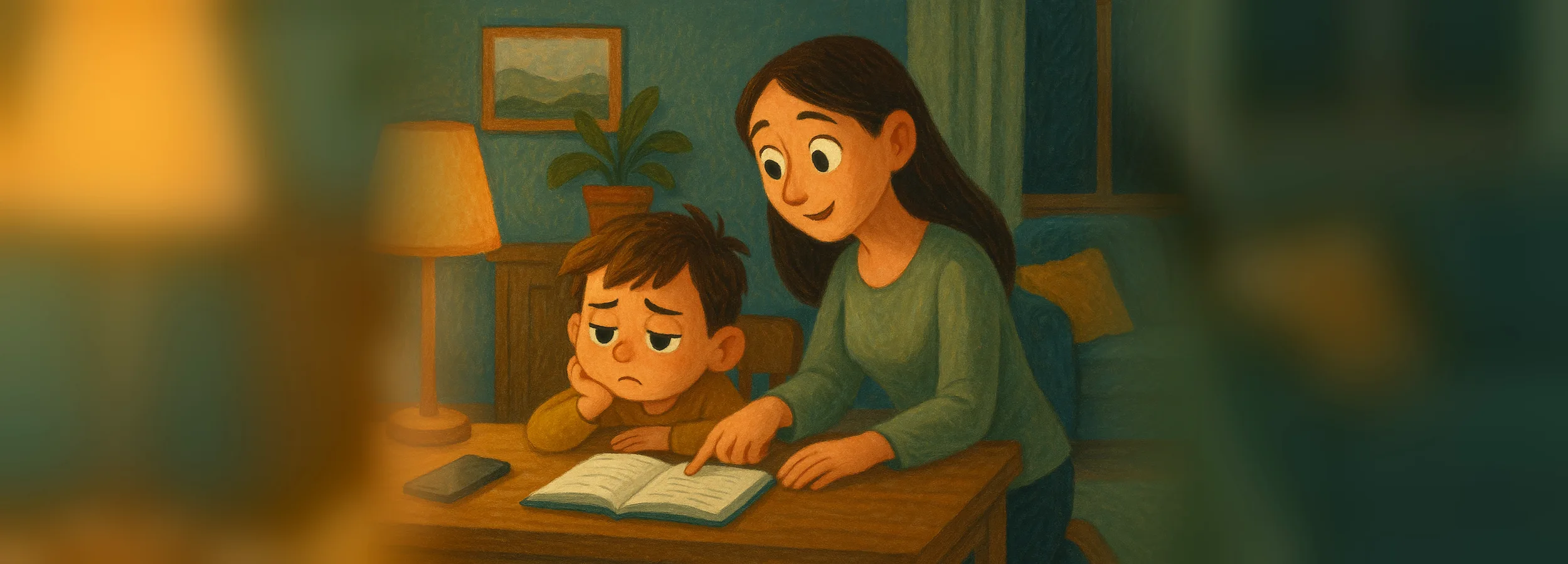
If the resistance is really about learning in general, start with the reasons: “My child doesn’t want to study”.
Mova: the “lesson → screen time” line happens by itself
Every table has one line you end up having to defend every single day. Mova builds it into the child’s iPhone: games, social media, and videos are locked by Apple’s system mechanism and open only for minutes earned through an English lesson. A new game gets locked automatically, and the list can only be changed with a parent PIN.
- The screen-time window is counted automatically. A “Great” test score gives 30 minutes, a “Good” score gives 20, and all tests in one day scored “Great” add another +10. You set the minutes, whether tests are enabled, and the bonus.
- A streak keeps the routine going. Every 5 days in a row earns bonus minutes, so skipping becomes a bad deal for the child.
- Minutes don’t pile up for later. If you want, unused time expires overnight—so screen time doesn’t slide into late evenings or weekends.
- Lessons match the child’s level. No placement test: difficulty adjusts daily based on results, and words are repeated at increasing intervals.
- You can see the day without sitting next to them. Dashboard in the browser: the day’s result, streak, earned minutes, and used minutes.
What it doesn’t do: it doesn’t build the whole schedule for you or replace sleep, activities, or walks. Downtime, content filters, and Ask to Buy remain in Screen Time. Works on iPhone only.
Typical situations: activities, after-school care
A lot of extracurriculars
The minimum that must survive: bedtime on time, homework before screen time, and daily English. A day with activities is a reason to shorten the screen-time window, not sleep.
After-school care
If homework is done during after-school care, then at home all that’s left is checking it and doing the English lesson. Give the freed-up time to a walk, not a screen.
Frequently asked questions
What time should a schoolchild go to bed?
Count back from a 7:00 wake-up: for a child in grades 1–4 (9–12 hours of sleep), bedtime is 20:30–21:00; for a teen in grades 5–9 (8–10 hours), it’s 22:00–22:30. Bedtime doesn’t move for a show or a game.
How much time should be set aside for homework in a daily routine?
Grade 1 — up to 30–45 minutes, grades 2–4 — 45–90 minutes, grades 5–9 — 1.5–2.5 hours with breaks. If it’s taking longer, the problem is concentration: remove the phone from sight.
How do you build a routine if a child goes to school in the afternoon shift?
Mirror the structure, not the clock times: homework and English in the morning, screen time after school, fixed bedtime.
Does a schoolchild need a daily routine during school holidays?
Yes, but a softer one, like on weekends: sleep shifted by no more than an hour, a short daily lesson, and screen limits. Without anchors, the routine falls apart in two weeks.
What should you do if a child doesn’t stick to the routine?
Check whether it includes free time and a phone window, and cut the demands back to 2–3 anchors. The order “lesson first, screen time second” holds best when the phone itself supports it: in Mova, games and videos on iPhone open only for minutes earned through an English lesson.
How much screen time should be included in a schoolchild’s routine?
Grades 1–4 — 45–60 minutes on school days and up to 2 hours on weekends; grades 5–9 — 1–1.5 hours on school days. More important than the total is where screen time sits in the day: after lessons and no later than an hour before sleep.
Want the routine to work without the daily “English first”? Try Mova for free.
Also read:
- How to help your child learn independently: the 15-minutes-a-day habit
- Phone at night: how to remove the gadget before bed without a war
- Homework with a phone in hand: how to remove distractions without taking the phone away
- What can a schoolchild do instead of being on the phone: after school and in summer