
How Much Time a Child Can Spend on Their Phone: Age-Based Guidelines
How long a child can spend on a phone depends on age: under 2 years — no screens, ages 2–4 — no more than 1 hour a day (WHO recommendation), and for school-age children 5–12 there is no fixed number — the AAP recommends a family plan where 9–12 hours of sleep and 60 minutes of movement come first, and screen time fills what’s left. Below is an age-by-age table and, most importantly, what these guidelines actually do not include.

Roman Shkabko · 9 min read
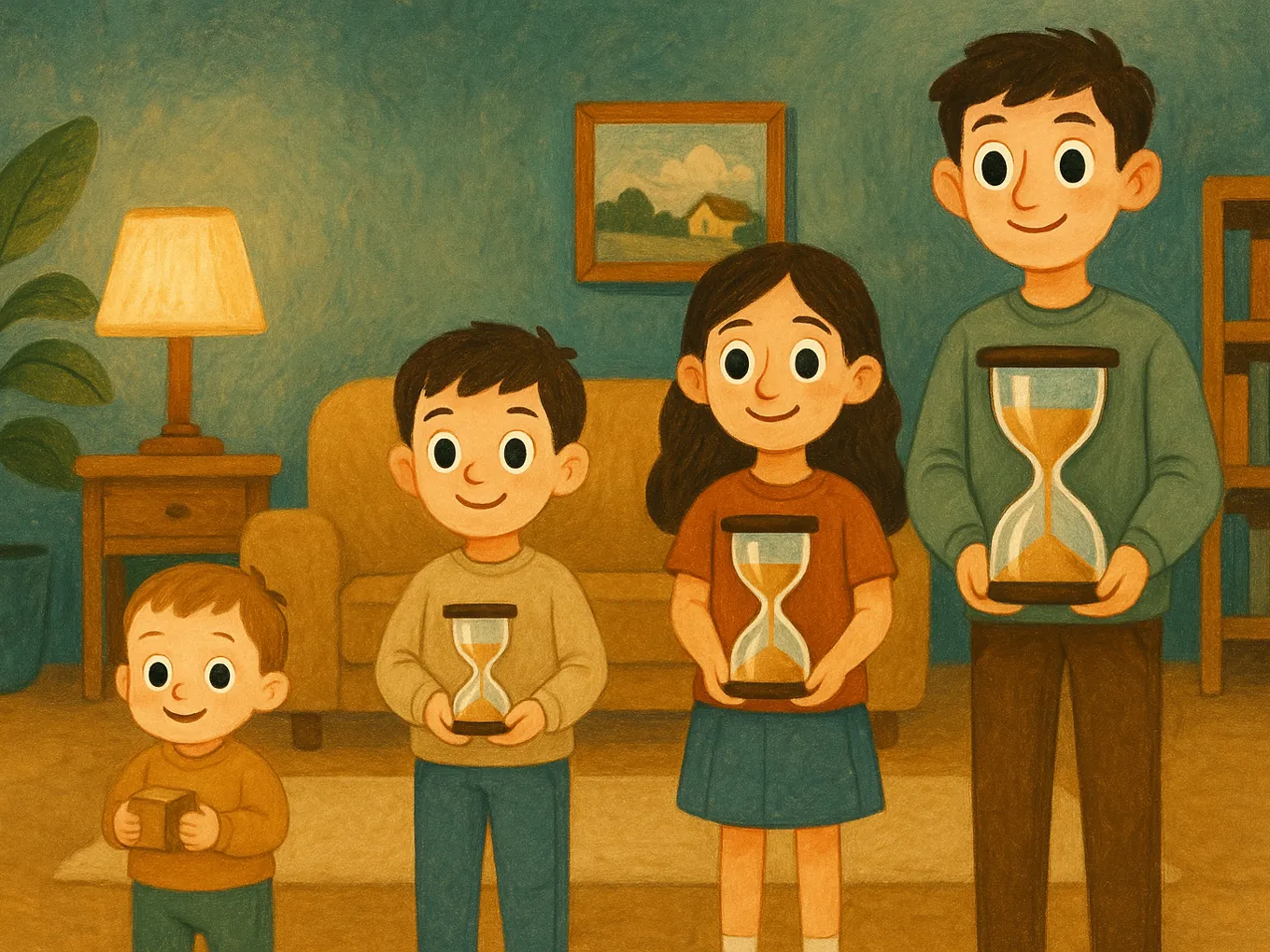
Screen time guidelines for children: an age-by-age table
| Age | WHO / AAP recommendation | What this means in practice |
|---|---|---|
| Under 2 years | Avoid screens | The exception is video calls with family. Cartoons "in the background" are unnecessary. |
| Ages 2–4 | No more than 1 hour a day (WHO), and less is better | Short, high-quality cartoons or educational apps, ideally together with an adult. |
| Ages 5–12 | No specific number. AAP: a family plan — first 9–12 hours of sleep and 60 minutes of physical activity | Screen time comes after sleep, movement, schoolwork, and real-life interaction. In practice, this usually means 1–2 hours of entertainment on a school day. |
| Teens 13–17 | Healthy balance without a fixed limit | You’re not policing minutes but protecting non-negotiables: sleep, school, sports, and phone-free nights. |
What WHO and the AAP really say — and what’s not in the guidelines
The real recommendations are more modest than the headlines in your feed. WHO gives a specific number only for little kids: children ages 2–4 should have no more than one hour of screen time a day. The American Academy of Pediatrics (AAP) does not give any number at all for children 5 and older. Instead, it recommends a family media plan with clear priorities:
- sleep — 9–12 hours a day for school-age children;
- physical activity — at least 60 minutes a day;
- learning, household responsibilities, and face-to-face interaction;
- screen time — in whatever time is left after that.
What the guidelines do not include: a universal “screen time limit for children” of school age like “exactly 2 hours and not a minute more.” That number does not exist, and anyone presenting it as a medical standard made it up. That’s actually good news: you don’t need to fight over abstract minutes — you need to protect sleep, movement, and learning.

Quality screen time and passive screen time are not the same thing
Two hours on a phone can look very different. Compare:
| Passive screen time | Quality screen time |
|---|---|
| Endless scrolling through short videos | A movie or cartoon the child chose and watched through to the end |
| Games with “just one more round” and no stopping point | A game with a session that has a clear ending |
| Scrolling social media “because I’m bored” | A video call with Grandma, editing their own video |
| YouTube running in the background during homework | An English lesson in an app, an educational video tied to a school topic |
That’s why limiting the whole phone across the board is too blunt an approach. It’s smarter to block entertainment categories (games, social media, videos) while leaving maps and educational apps accessible. For how to do this technically, see the article how to block YouTube, TikTok, and games on your child’s phone.
The main question is not “how much” but “in exchange for what”
When parents ask how long a child can spend on a phone, they’re usually looking for a number that will settle the argument. But a number by itself doesn’t work: a “2-hour limit” without any daily structure turns into daily bargaining and tears at 9:03 p.m.
A different framework works better: screen time is neither a default right nor forbidden fruit, but a reward that comes after responsibilities. First come sleep, school, movement, an English lesson or reading; then games and videos during a set time. The child knows the rule in advance, the rule is the same every day, and there’s nothing to argue about.
How to limit your child’s phone time: a 5-step plan
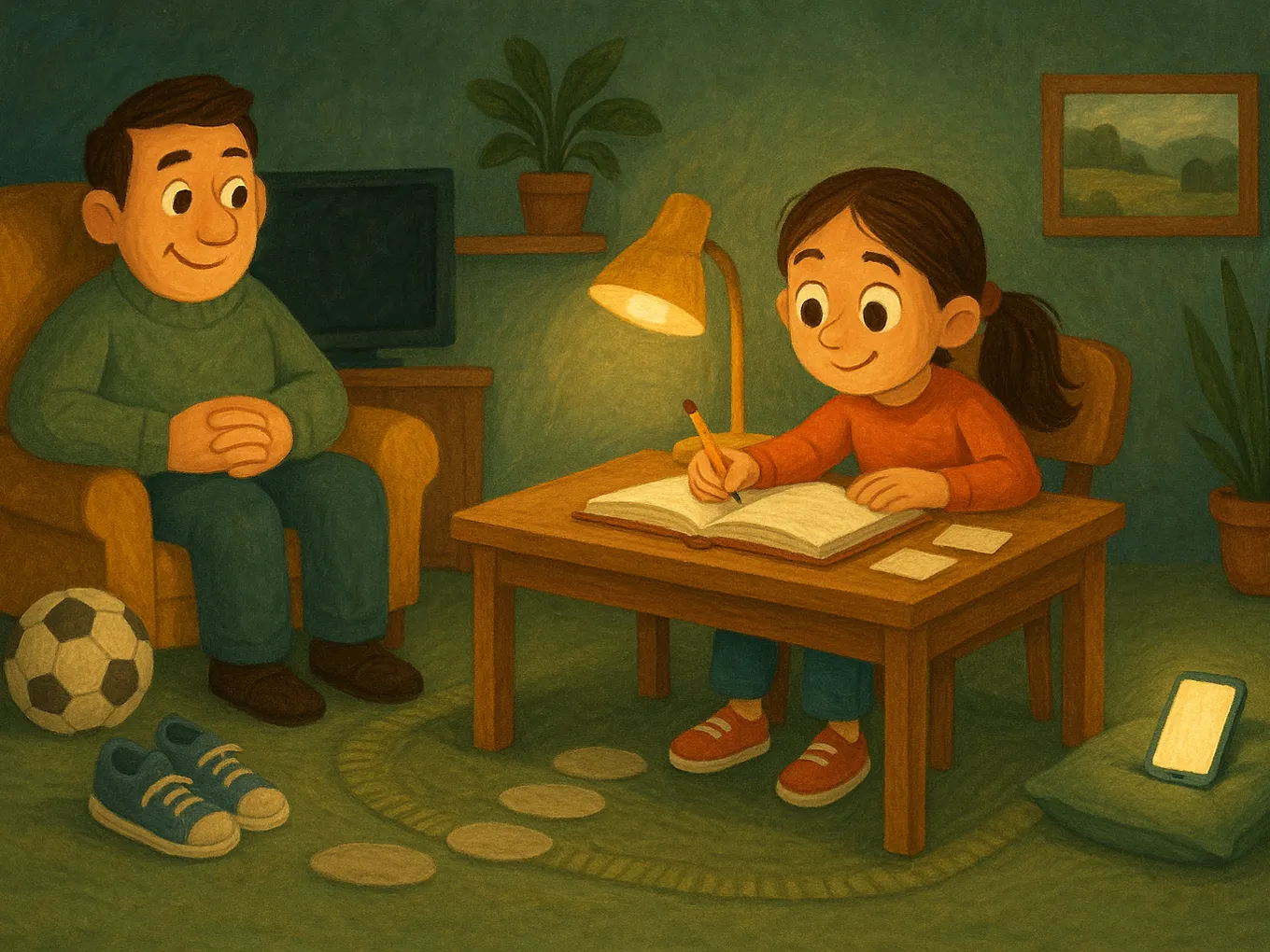
- Measure reality. Don’t change anything for a week — just check the Screen Time report (Settings → Screen Time on iPhone): how many hours there are and where they go.
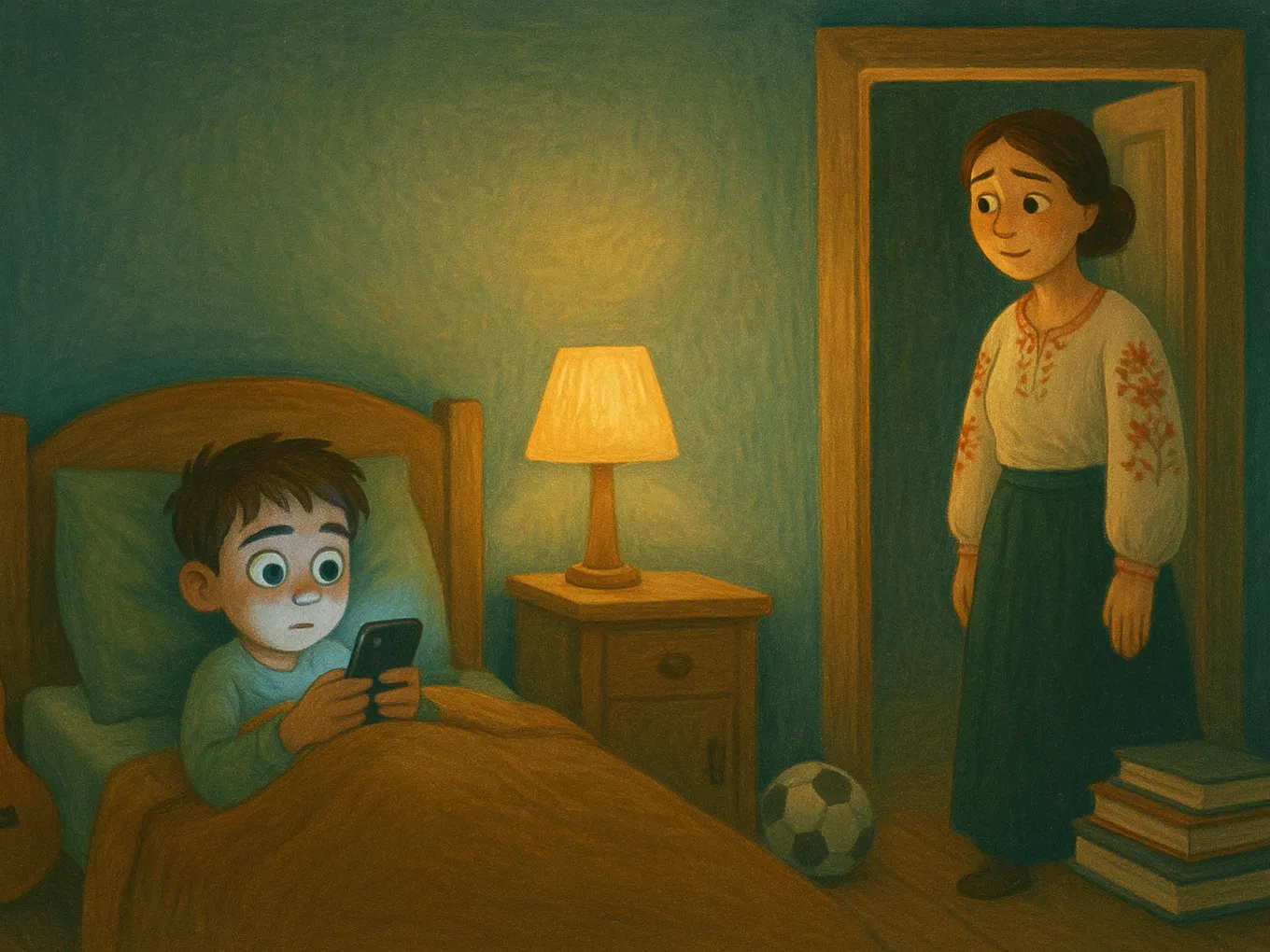
- Protect the non-negotiables. Lock in sleep time (so your child gets 9–12 hours), one screen-free hour before bed, and no phone in the bedroom at night.
- Agree on a “first this, then that” rule. Decide what exactly must be done first (homework, 15 minutes of English, practice), and only then when entertainment screen time opens up and for how long.
- Back up the rule technically. Set limits for categories like games, social media, and videos, and use a passcode your child does not know. Step-by-step instructions are in the article parental controls on iPhone with Screen Time. Or instead of manual limits, install Mova: games, social media, and videos are blocked using Apple’s system-level mechanism, any new game is blocked automatically, and your child earns minutes through a daily English lesson. Screen Time remains useful for the rest: Family Sharing, Ask to Buy, and content filtering.
- Review it once a month. Your child grows, schedules change — limits should change too. A rule agreed on with your child lasts longer than one imposed on them.
Built-in Screen Time has a weak spot: kids have learned how to get around limits or beg for “just 15 more minutes” every evening. If that sounds familiar, see what to do when a child bypasses the Screen Time passcode. With Mova, there’s nothing to bargain over: minutes aren’t begged for, they’re earned — a “Super” result gives 30 minutes, “Good” gives 20, and the restrictions list can only be changed with your PIN.
Signs that screen time has already become too much
The formal number may still be “within limits,” while the problem is already there. Warning signs:
- your child falls asleep later, can’t get up in the morning, and gets less than 9 hours of sleep;
- they’ve dropped activities they used to love — clubs, friends outside, reading;
- tantrums or aggression every time they have to put the phone down;
- they eat, do homework, and fall asleep with the phone in their hand;
- grades have started slipping for no other obvious reason.
Two or three items from this list are a reason not to panic, but to make a plan. We covered how to act gently and without scandals in a separate article: how to wean a child off the phone: signs of dependency and a plan.
Frequently asked questions
How long can a 10-year-old spend on a phone?
There is no strict medical standard for this age. The AAP recommends starting with a family plan: first 9–12 hours of sleep, 60 minutes of movement, homework, and real-life interaction — and screen time fills what’s left. In practice, for school-age children this usually means 1–2 hours of entertainment screen time on a school day.
How long can a child play games on a phone?
There is no separate standard specifically for games — games are part of overall entertainment screen time. A reasonable benchmark for a school-age child is 30–60 minutes on a school day after responsibilities are done, and up to 2 hours on weekends. More important than the minutes is whether gaming is pushing out sleep, sports, and schoolwork.
Is there a screen time guideline for teenagers?
No, WHO and the AAP do not give a specific number for teens. The recommendation is healthy balance: full sleep, physical activity, learning, and offline socializing should be protected. If all of that is in place, 2–3 hours of screen time a day is not automatically a cause for concern.
Is it harmful for a child to use a phone before bed?
A phone before bed delays the moment of falling asleep: feeds and videos are hard to stop, and school-age children need 9–12 hours of sleep. The AAP recommends putting screens away at least an hour before bedtime and not keeping the phone in the bedroom overnight. It’s the simplest rule with the biggest payoff.
How can you tell if a child is spending too much time on a phone?
Don’t focus on the hours, focus on the consequences: sleep has shifted, other activities have disappeared, tantrums happen when you try to take the phone away, grades have dropped. If you see two or three of these signs, it’s time to revisit the rules — even if, formally, your child is using the phone for “only” two hours.
Does online learning count as screen time?
Educational screen time (online lessons, language apps, school prep) is usually counted separately from entertainment screen time. What should be limited is passive scrolling and gaming, not a video lesson or an English class. That’s why control settings usually block entertainment categories rather than the entire phone.
If you’ve read this far, then you already know the main takeaway: it’s not about “how many minutes,” but “what the child did before screen time.” That’s exactly the principle Mova is built on — an iPhone app that uses Apple’s system-level mechanism to block categories like games, social media, and videos, and unlocks them for minutes earned through a daily English lesson.
A “Super” result on a test gives 30 minutes, “Good” gives 20, and getting “Super” on all tests that day adds another +10. You set the rewards yourself, any new game is blocked automatically, and the restrictions list can only be changed with your PIN. Your child’s level adjusts automatically, and you can see progress in the web dashboard — so you no longer have to fight over the phone every evening. Details are at mova.family.