
What to keep a school-aged child busy with instead of a phone: after school and in summer
A phone wins not because of “addiction,” but because it’s the one form of entertainment that’s always within reach and takes no effort. Two things work together: a list of concrete alternatives in plain sight and clear screen boundaries. Here you’ll find 50 ideas, age-based picks for ages 5–12, an evening routine, and a holiday framework. And Mova helps keep the boundary without arguments: on a child’s iPhone, games unlock only after an English lesson.

Roman Shkabko · 12 min read
Why “go play” doesn’t work
A phone gives a ready-made script in two seconds, while “go play” means coming up with a game and getting started. Lower the barrier to entry:
- Be specific: not “do something,” but “build a bridge that can hold this book.”
- Keep materials close by: a game on the coffee table exists; a building set on the top shelf does not.
- Spend the first 10 minutes together: kick off the game and step away — the child will continue on their own.

50 screen-free ideas by category
Almost everything uses things you already have at home.
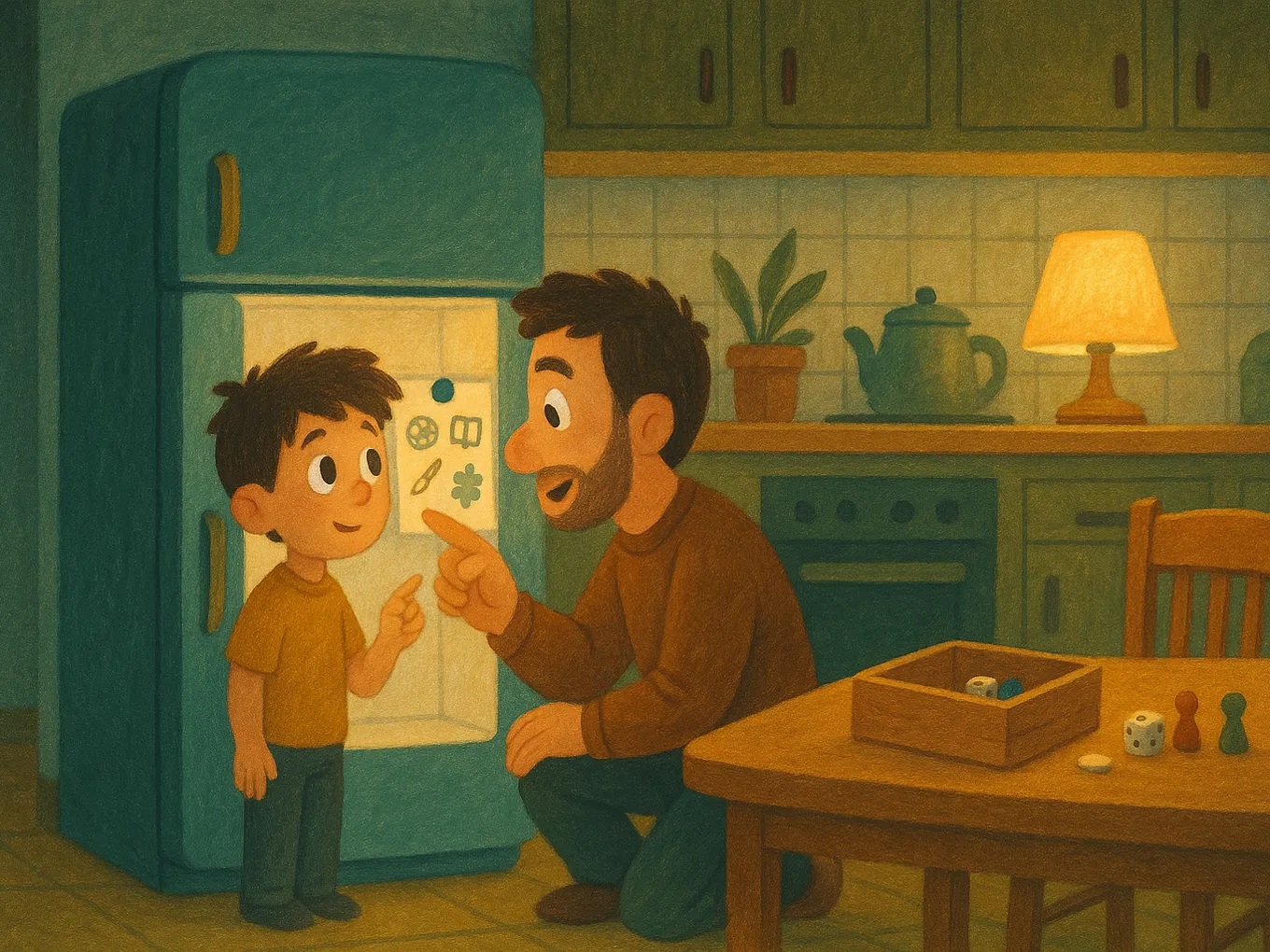
Hands and building
- Building-set challenge: a bridge that holds a book, or a tower as tall as the child.
- A house or “base” made from large cardboard boxes.
- A homemade kite.
- A catapult or a house model made from popsicle sticks.
- Origami from a diagram: from a paper plane to a crane.
- Bracelets made from thread or rubber bands — can be made “to order” for relatives.
- A model airplane, car, or ship that takes a few evenings to finish.
Movement
- A bike ride along a route the child drew themselves.
- An obstacle course in the yard using chairs, rope, and chalk.
- Hopscotch, elastic band games, dodgeball.
- Badminton: count how many times the shuttlecock stays in the air.
- Jump rope with a weekly record chart.
- “21 ways to throw a ball against a wall” — a yard game for coordination.
- Dancing to a speaker.
- A walking “hike” around the neighborhood with a paper map.
Board and word games
- Fast card games: a 10-minute round with the same excitement as on screen.
- Chess or checkers with a family tournament table for the month.
- An economic strategy game for one or two hours.
- Charades or timed word explanations — guaranteed laughs.
- A 500+ piece puzzle that lives on the table for several days.
- Word games with no props: cities, I know five…, category games.
- Your own tournament: the child makes the bracket and prizes from whatever’s on hand.
Reading and audio
- A book series based on interest: detectives, dragons, football.
- Audio fairy tales — while modeling or drawing.
- Comics count as reading too, and they’re the best doorway for a reluctant reader.
- A children’s magazine subscription.
- Reading aloud to a younger brother or sister.
- Weekly library visit: the child chooses anything they want.
- A “book ticket”: 20 minutes of reading = one mark, ten marks = a prize.
Household missions
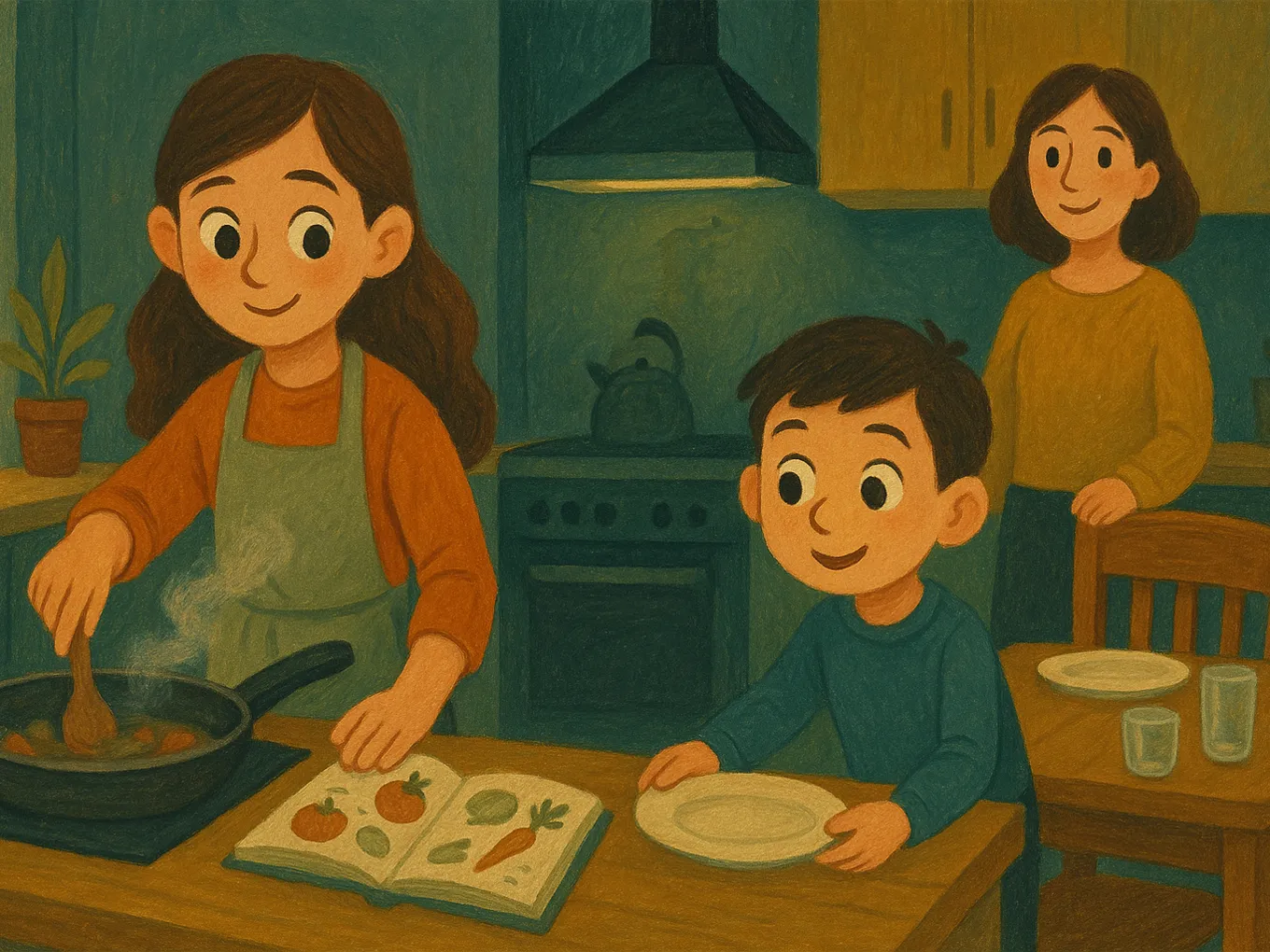
- Cook dinner from a recipe.
- Closet “audit”: keep, give away, throw out.
- Wash the bike or help wash the car.
- Plant something and keep a simple observation journal.
- Make a shopping list and stick to the budget at the store.
- Rearrange their room: start with a plan on paper.
- Care for a pet on a schedule.
Creativity
- Grid drawing or sketching.
- Polymer clay modeling: keychains, figurines.
- Your own comic: hero, villain, three pages of story.
- Your own board game: board, rules, tokens made from buttons.
- Paper cards for grandma and grandpa.
- Decorating a plain white T-shirt with fabric markers.
- A dollhouse or parking garage made from boxes.
Science at home
- A baking soda and vinegar volcano (on a tray).
- Salt crystals on a string — results in a week.
- A “lava lamp” made from oil, water, and a fizzy tablet.
- Growing beans with a measurement journal.
- Secret ink from lemon juice revealed with an iron.
- “Measure everything”: the length of the hallway, how many glasses of water fit in a pot.
- The phases of the moon for a whole month — with sketches.
Ideas by age: what will work right now
Ages 5–6: play alongside an adult
Attention lasts 15–20 minutes, so plan several short activities:
- Role-play games like store, hospital, kitchen with real boxes and jars.
- A big building set without instructions: the process matters, not the result.
- Salt dough, kinetic sand, pouring water.
- Puzzles with 20–50 pieces and simple roll-and-move games with a die.
Ages 7–9: rules, secrets, and the first real result
This is when children start enjoying rules and “real” tasks:
- A “secret base” made from blankets at home or branches at the summer house.
- Board strategies where they can honestly beat an adult.
- DIY projects with parents: a birdhouse, a shelf, repairing a toy.
- Cooking from a recipe: by age 9, a child can bake mug cupcakes on their own.
- The experiments from the list above — science is especially impressive at ages 7–9.
Ages 10–12: autonomy and adult status
Here, “I’m bored” really means “this is for little kids.” Give them tasks with real responsibility:
- Multi-day projects: a complex model, a 20-page comic, their own game.
- Cooking dinner for the whole family once a week — from menu to table setting.
- Allowance for real work.
- A sports club or neighborhood team.
- Their first “business”: bracelets or cards for the school fair.
After school: a realistic weekday evening routine
A workable sequence: decompression, responsibilities, screen at the end, and with boundaries. Example for ages 8–11:
| Time | What happens | Why it’s arranged this way |
|---|---|---|
| 15:00–15:30 | Lunch, free “doing nothing” time | The brain needs a break |
| 15:30–16:30 | Yard, club, bike — any movement | 60 minutes of activity a day is the basic AAP recommendation |
| 16:30–17:30 | Homework (phone in another room) | Focus is better after movement |
| 17:30–18:30 | An activity from the list + English lesson | The child chooses for themselves |
| 18:30–19:00 | Dinner with no screens for anyone, including parents | Screen time at the table is the family habit that sticks hardest |
| 19:00–20:00 | Earning screen time | The limit is known in advance |
| 20:00–21:30 | Shower, book, phone charging outside the bedroom | 9–12 hours of sleep is the AAP’s number one priority |
The weakest part of this schedule is the “earned screen time” line: someone has to check every day whether tasks are done and take the phone away exactly at eight. After a week, no one usually keeps up with that. That’s why it’s better to hand this part over to Mova right away: games, social media, and videos on the child’s iPhone are locked, and minutes are earned automatically through English lessons — no counting or reminding needed, and “8 p.m.” arrives when the earned time runs out.
The full template is in the article on a schoolchild’s daily routine, where there are both lessons and a phone; age recommendations are explained in how much time a child can spend on a phone.
What to keep a child busy with in summer: a weekly framework
In summer, the structure of school disappears, and the phone fills the vacuum in a week. Start with a day framework:
| Block | What’s in it | Examples |
|---|---|---|
| Morning until about 11:00 | Routines + the “smart” part of the day while the mind is fresh | Make the bed and eat breakfast; 20 minutes of reading; English lesson; one household mission |
| Day 11:00–17:00 | Mostly outdoors and movement | Yard, bike, water; camp or grandma’s; in the heat — board games, building sets, experiments |
| Evening after 17:00 | Calm activities, earned screen time, family time | Creativity from the list; dinner with no screens; 1–1.5 hours of screen time; a book before bed |
Leave one day a week unplanned: boredom in a safe dose kicks off children’s own games. To keep the framework without negotiations, use a daily quest list, after which the child gets screen time:
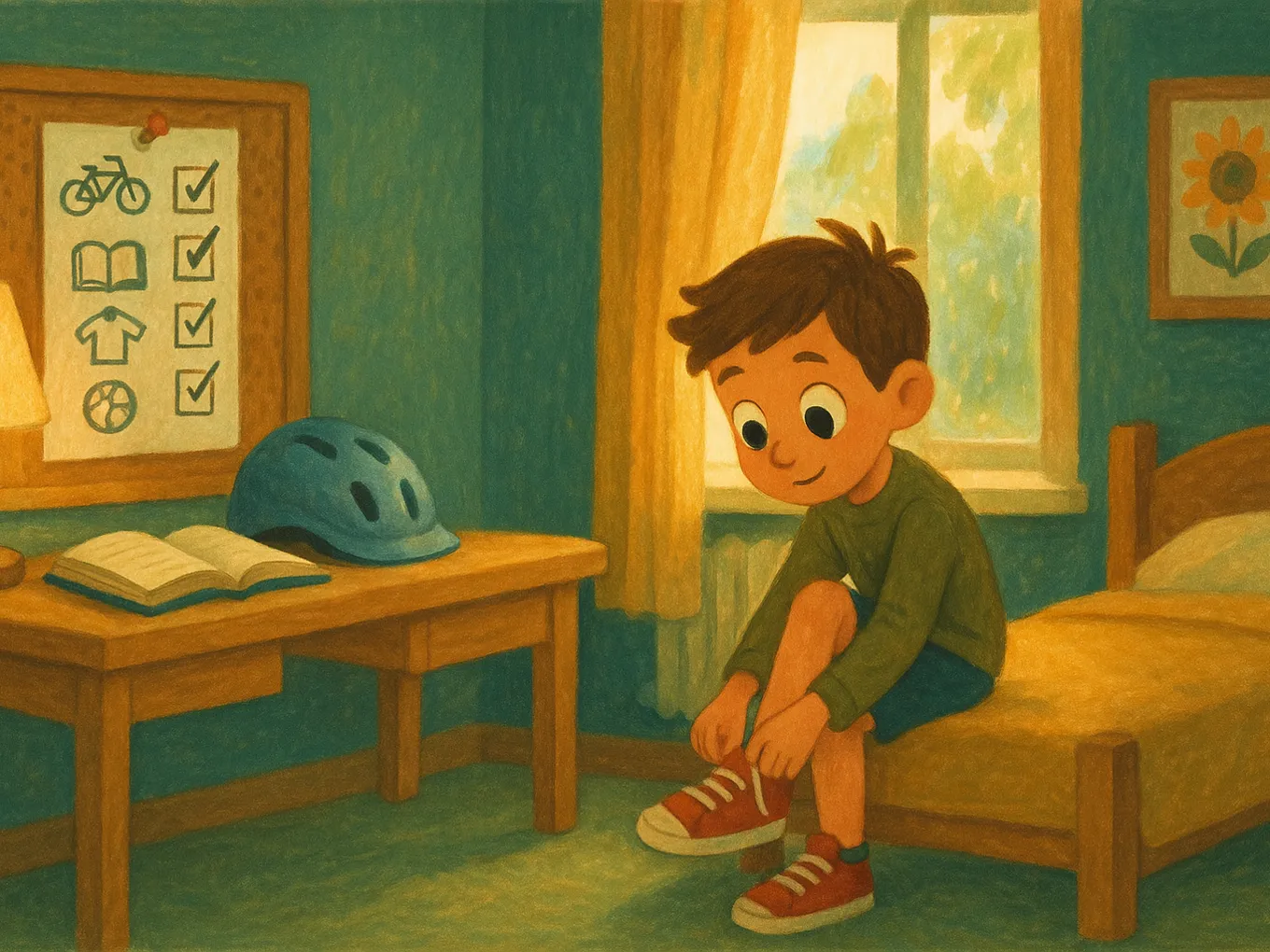
- Make the bed, eat breakfast, get dressed.
- 20 minutes of reading a book of their choice.
- An English lesson, so they don’t lose the language over summer. In Mova, you don’t need to check it: no lesson, no games.
- At least an hour outside.
- One household mission from the list.
- One “for me” activity: creativity, building set, experiment.
If something isn’t done, it’s not a scandal — it just means “screen later today.” In Mova, for example, the English item works the same way: if a test doesn’t go well, the child can try again an hour later with different questions, and every 5 consecutive days they get bonus minutes, which helps keep the summer rhythm. For how to combine English with play, see the roundup of games for learning English with and without gadgets.
Screen as a reward, not background noise
No game can compete with a device that’s always in your pocket, so alternatives only work together with boundaries:
- Structure, not prohibition. “First the quest list, then the screen” removes daily bargaining.
- The screen is not background. Videos “between tasks” eat up more time than an honest hour of gaming.
- The limit should be technical, not verbal. Limits in “Settings → Screen Time” remove the “just five more minutes” battle from both sides’ willpower. But the limit is the same every day, even if the child did nothing, and it’s easy to extend when they ask. That’s why it’s better to use Mova instead of manual limits: games, social media, and videos are locked, and the child earns minutes through an English lesson. You can’t add minutes manually there — not the child, not you, even if you want to give in at night, so there’s simply no one to ask for “five more minutes.” Screen Time remains for what Mova doesn’t do: Family Sharing, “Ask to Buy,” content filtering, and location sharing.
- AAP priorities: first 9–12 hours of sleep and 60 minutes of movement, then screen time from what’s left.
If the phone already feels “glued to the hand” and every restriction ends in a fight, start with an exit plan — it’s in the article how to wean a child off the phone without drama.
Mova: a quest list that runs itself
The hardest part is keeping “first work, then screen” going every day without becoming the enforcer. Mova does this technically on the child’s iPhone:
- Games, social media, and video are locked by category: a new app locks automatically, and the list can only be changed with your PIN.
- Screen time is earned through English lessons. A “Super” test gives 30 minutes, “Good” gives 20, and all the day’s tests scoring “Super” add another 10. You decide how many minutes to give.
- Holiday rhythm without reminders: there’s a lesson every day, the level adjusts automatically, and words are reviewed with spaced repetition. Unused minutes can expire overnight — that’s up to you.
- No need to sit beside them: each day’s results are visible in the web dashboard from any browser, and one minute balance applies across all of the child’s devices.
Mova doesn’t replace movement or reading, but it takes the most conflict-prone part off your hands — handing out screen time.
Frequently asked questions
What can I keep a 5-year-old busy with at home without a phone?
Role-play games with an adult getting started: store, hospital, a house made from boxes, dough, simple puzzles. Attention lasts 15–20 minutes, so prepare 2–3 activities to switch between.
What can I keep a 7-year-old busy with after school?
First 30–60 minutes of outdoor movement, then a specific offer with materials ready: a board game, a building set with a challenge, a cooking mission. At age 7, abstract “go play” still doesn’t work.
What can I do with a 10-year-old who says “everything is boring”?
Give them tasks with grown-up status: dinner for the whole family, a multi-day project, allowance for real work. And the rule: screen after responsibilities, not instead of them.
Can I completely ban the phone for summer?
A total ban turns the phone into something even more valuable and parents into the enemy. A framework works better: a list of tasks for the day, followed by limited screen time. On an iPhone, Mova can hold that framework: games and videos unlock only for minutes earned with English lessons.
How much screen time is acceptable in summer?
There is no strict standard: AAP recommends first protecting 9–12 hours of sleep and 60 minutes of movement. For ages 7–12, 1–2 hours a day after the quest list is reasonable. In Mova, you set the limit: how many minutes the lesson gives and whether unused time expires overnight.
What if all the child’s friends are on their phones?
Offer formats where the company is more interesting than the screen: a ball game in the yard, board games, a bike ride. And agree with the friends’ parents on the same rules.
Want the phone to unlock after the task, not after the argument? Try Mova for free.
Read also:
- A schoolchild’s daily routine: a template with both lessons and a phone
- Games for learning English with a child: ideas with and without gadgets
- Phone at night: how to put the gadget away before bed without a war
- Clips thinking and “dopamine addiction”: why a child can’t tear themselves away from the screen
- How to teach a child to study independently: the 15-minutes-a-day habit