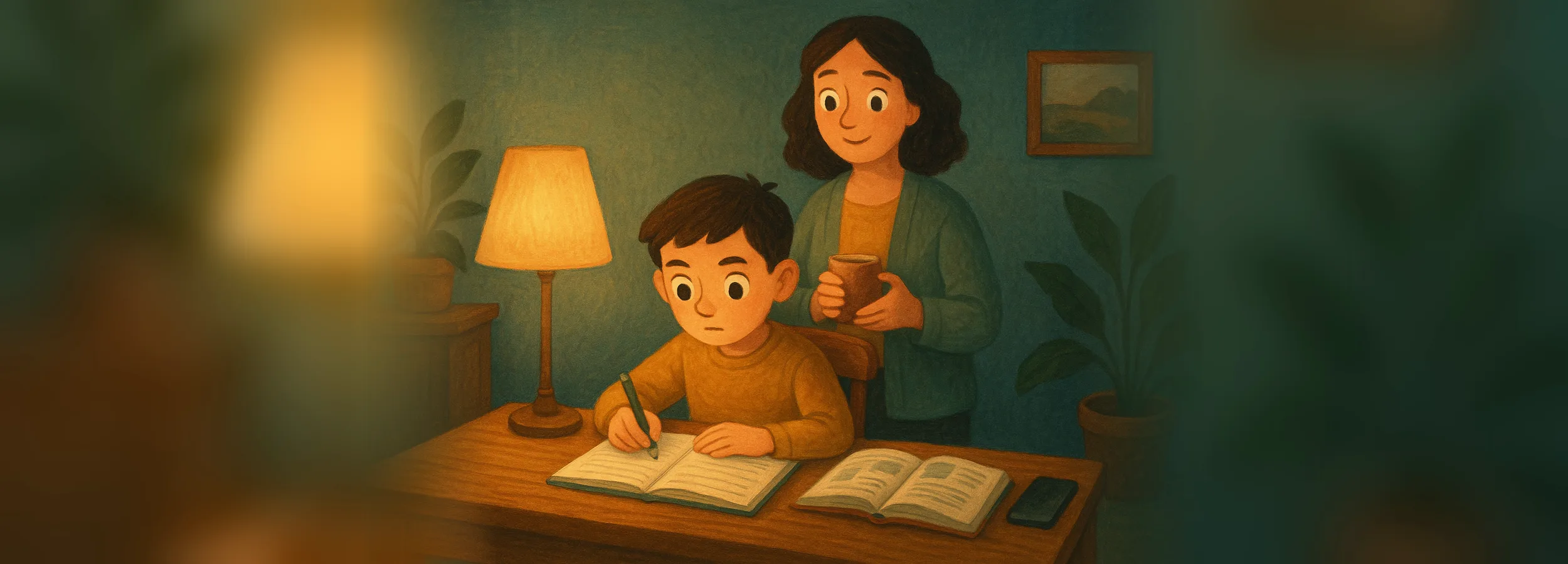
Lessons With a Phone in Hand: How to Remove Distractions Without Taking the Phone Away
Taking the phone away during lessons is a bad solution: it holds the school chat, electronic diary, translator, and a photo of homework from the board. The working solution is selective blocking: games, social media, and video are closed, while learning still works. Below is how to set it up with Screen Time, make agreements without conflict, and use Mova, where games unlock only after learning.

Roman Shkabko · 10 min read
Why does a child “do homework” for 3 hours when only 40 minutes of work gets done
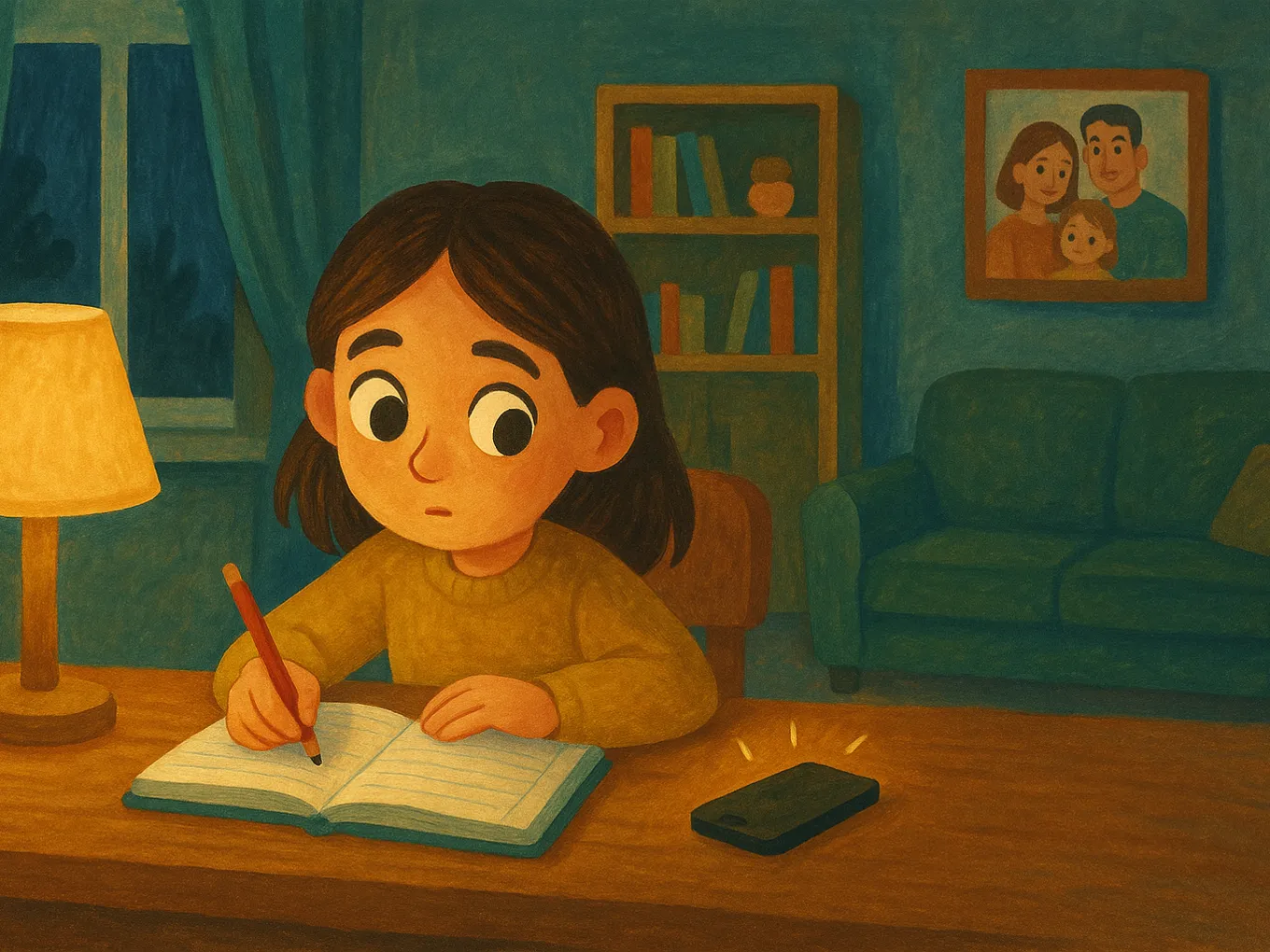
The problem isn’t laziness, it’s constantly shifting attention. Homework requires immersion: holding the task, the solution process, and the rule in your head at once. Every “just 30 seconds” message in a chat breaks that immersion, and when the child returns to the notebook, the brain needs a few minutes to rebuild the context.
With 10–15 such interruptions in an evening, 40 minutes of work stretches into 3 hours, and the child truly gets tired from the switching alone. So the fight should be against interruptions, not with willpower, but with external structure: blocking, work blocks, and an organized workspace.
Phones at school: what the Ministry of Education says and how it works in practice
In Ukraine there is no total ban — there are recommendations and school rules. The Ministry of Education recommends limiting smartphones during lessons: a phone is appropriate only when it is part of the task, for example, an online test with the teacher’s permission.
Each school sets the format in its own rules: a box, a backpack in silent mode, or the teacher’s decision. News about a “ban on smartphones in schools” usually refers to such local rules or to other countries’ experience. What should parents do?
- Ask your homeroom teacher about your school’s rules — and support them at home, instead of calling them “nonsense” in front of your child.
- Agree that the child checks messages from parents during breaks, not under the desk.
Selective blocking during lessons: step-by-step with Screen Time
We block the attention-eating categories and leave everything educational. If Screen Time isn’t set up yet, first go through the basic parental control setup on iPhone. Then:
- Settings → Screen Time on the child’s iPhone (or on your own, if Family Sharing is set up).
- App Limits → Add Limit: the categories “Games” and “Social Networking,” and if needed, “Entertainment,” which includes video.
- 1 minute limit — this is effectively a block. A category limit also applies to new games from the App Store.
- “Block at End of Limit” — otherwise the restriction can be dismissed with a single tap.
- Always Allowed: messenger with the school chat, electronic diary, translator, calculator, educational apps.
- Screen Time passcode that the child does not know. Without it, everything rests on a promise.
| We block during school hours | We leave working all the time |
|---|---|
| Games (by category — including new ones from the App Store) | Messenger with the school chat |
| Social networking | Electronic diary, school platforms |
| Entertainment video and streaming | Translator, dictionary, calculator |
| Entertainment chats “about everything” | Educational apps (English, tests) |
The downside of built-in Screen Time is that the limit is the same every day and doesn’t know whether homework is done: either you manually reopen games every evening, or they stay open no matter what. In practice, parents set the limit once and forget about it, and a week later “come on, open it for half an hour” becomes the nightly norm. Typical loopholes children use to get around limits are covered in the article how to block video, social media, and games on a child’s phone.
That’s why the most reliable option is to use Mova instead of manual game limits: it blocks the same categories and opens them automatically when the child completes a lesson (details below). Screen Time still covers what Mova doesn’t do: Family Sharing, Ask to Buy, content filtering, and location tracking.
Mova: first lessons, then phone — every day, without your involvement
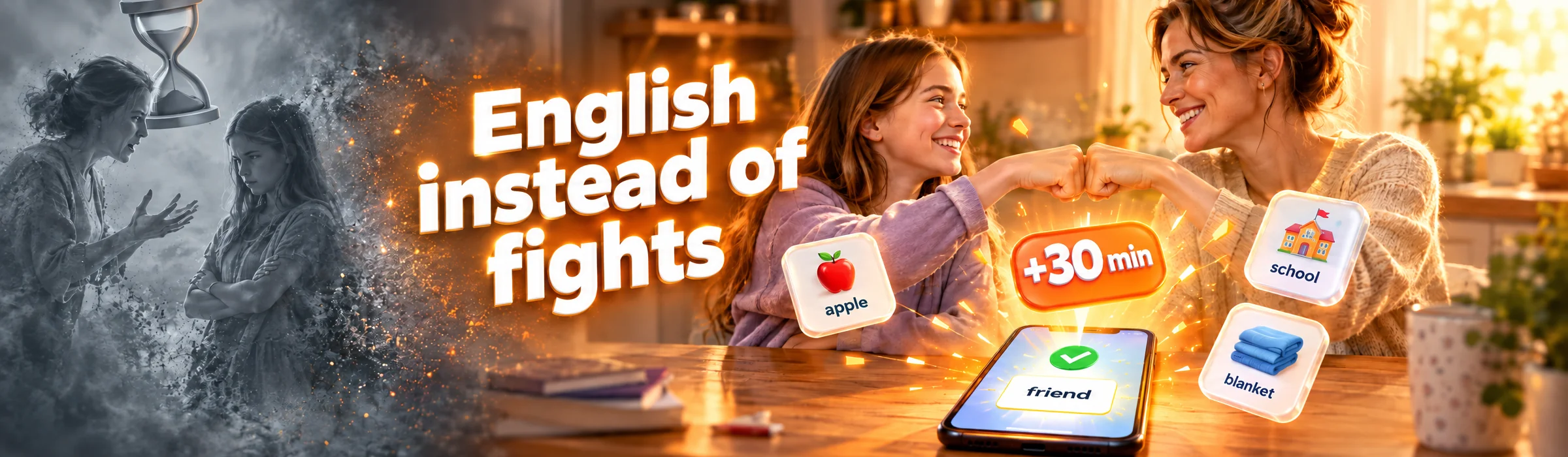
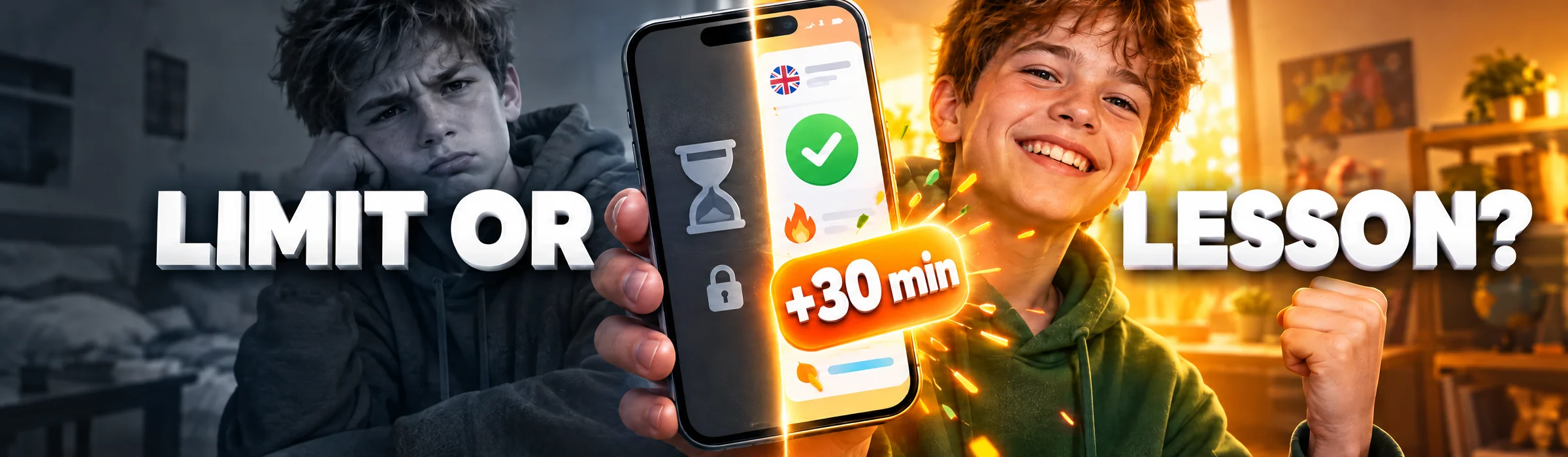
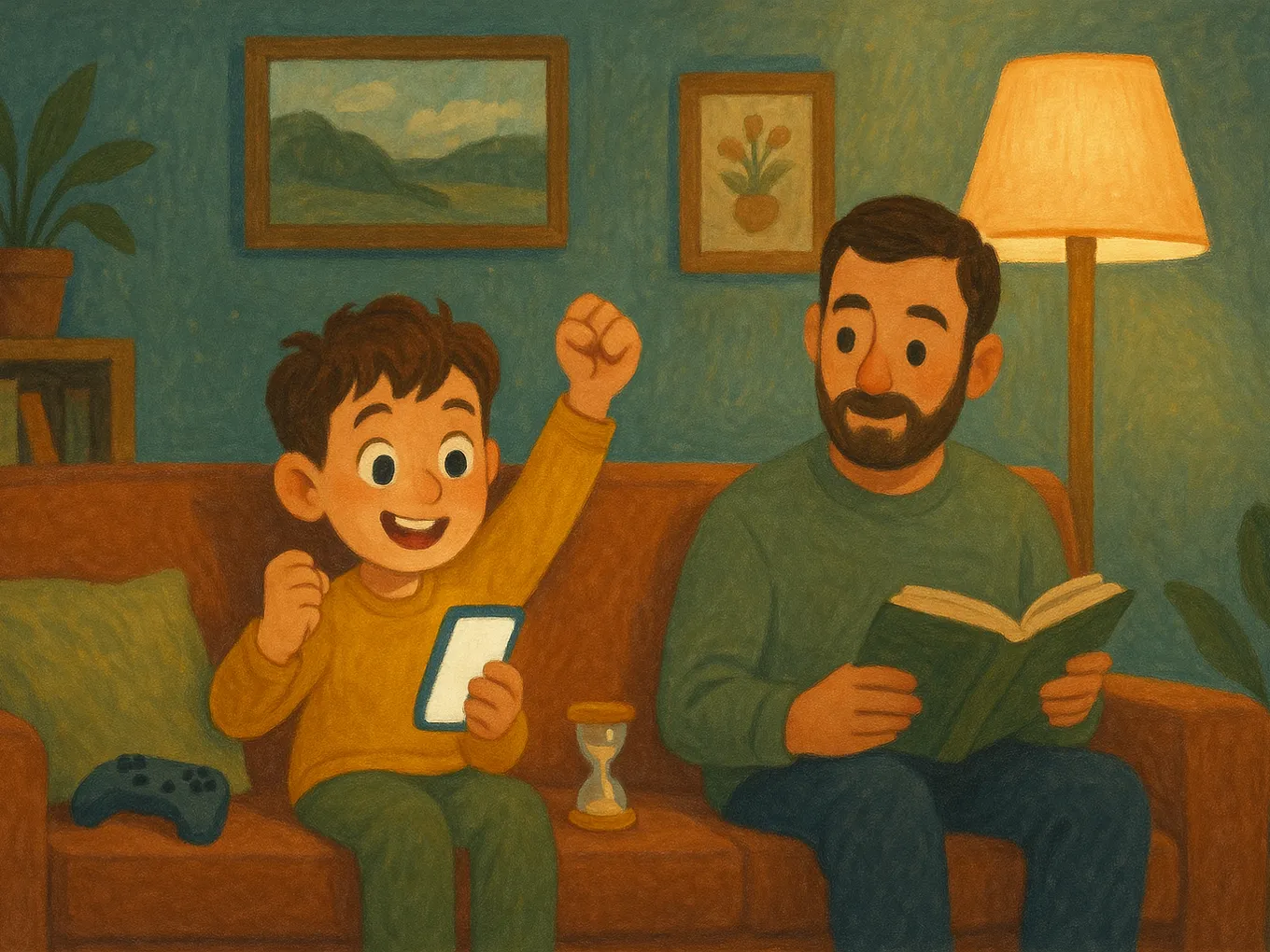
“First homework, then games” is a rule every family knows, and one that holds only as long as parents are ready to defend it every evening. Mova builds that rule into the phone itself: games, social media, and video are blocked by Apple’s system mechanism, and the key to them is not your permission, but the English lesson the child completes on their own. You don’t have to count, unlock, or remind anyone.
- Blocked by category. Games, social media, and video are blocked; a new game in the same category closes automatically, and the list changes only with your PIN.
- Minutes are earned. A test marked “Excellent” gives 30 minutes, “Good” gives 20, and all of the day’s tests marked “Excellent” add another 10. You decide how much to give, or whether to give anything at all.
- No evening negotiations. You don’t decide when games open: if the lesson isn’t done, the games won’t open. No one can add minutes manually in Mova, not even you, so there’s simply nobody to ask for “half an hour, please,” and no way to give in out of exhaustion either.
- Didn’t pass the test — the next attempt is in an hour with different questions. No timers, no tracking.
- One balance across all the child’s devices, and unused minutes can expire overnight — that’s up to you as well.
- Browser dashboard: each day’s result, level, how many words the child knows and studies.
What it doesn’t do: it works only on iPhone and doesn’t control the school homework itself — you still check that. But the daily English lesson becomes that same “first the lesson” rule, after which the phone opens without arguments.
The “homework in blocks” technique: 25–30 minutes without a phone → break with a phone
Blocking removes temptation, but it doesn’t teach focus. For that, use blocks: 25–30 minutes without a phone, then a 5–10 minute break with it. Present it as a fair trade.
- An agreement, not an order: “25 minutes, the phone stays in the hallway, then 10 minutes it’s yours — I won’t comment on what you’re watching.” The second part is crucial.
- The child sets the timer themself — on a kitchen timer, not on the phone. Whoever starts the timer controls the process.
- Start with short blocks: 15–20 minutes for ages 8–10, 25–30 for a teenager.
- The break ends when the timer does. If they don’t manage to get back to work, the next break is without a phone. Not a scandal — just a consequence of the agreement.
- One task per block: “first math, then Ukrainian.”
The weak point of any such agreement is that it has to be managed every day: after a week, nobody sets the timer, and “10 minutes of break” quietly turns into an hour. That’s why a block-based agreement works best together with a rule that doesn’t require your oversight: in Mova, games open only for minutes earned through lessons, no matter which of you remembers it today.
This technique fits well into a schoolchild’s daily routine that includes both lessons and phone time: when game time is planned, there’s no point in fighting over it during homework.
A workspace without triggers: 5 specific rules
- The phone out of sight — in another room or in a drawer. A visible phone pulls attention even when it’s turned off.
- Notifications on silent. “Do Not Disturb” during school hours, with exceptions for parents.
- Only the current subject on the desk. A stack of homework for the whole week creates pressure and triggers “I’ll just check my phone first.”
- The phone for a task (translation, photo from the board) appears only for that specific action and then goes back.
- Water and a snack заранее. Half of “I’ll go to the kitchen” ends up in the feed.

“I need the phone for homework”: what’s true and where the boundaries are
The child is about half right — and that half should be acknowledged out loud: tasks appear in the chat, grades are in the diary, a translator is needed for English, and the board assignment exists only in a photo. The other half of the truth: none of this requires games or a feed. So the boundary runs through specific apps:
- “Check the assignment in the chat” — yes: the messenger stays in “Always Allowed.”
- “Translate a word” — yes. Using homework solutions as a reference to check work is fine; using them to copy without thinking is a reason to talk about the subject that’s “not going well.”
- “Ask a classmate” — yes, by text in chat, not through an hour-long video call “for company.”
- “I’ll play while I think about the problem” — no: the rule is set in advance, not decided in the moment.
A rule built into the phone takes you out of the role of the enforcer: with Mova, games are simply closed until the lesson is completed, and there’s no one to argue with. And to keep homework from becoming a nightly battle, build independence in parallel — start with the habit of 15 minutes of independent study a day.
Frequently asked questions
Is there a smartphone ban in Ukrainian schools?
There is no full legal ban. The Ministry of Education recommends limiting phones during lessons, and each school sets the format — box, backpack, only with the teacher’s permission — through its own rules. Check with the homeroom teacher.
How do I ban games on a child’s phone during lessons?
On iPhone — through Screen Time: a 1-minute limit for “Games” and “Social Networking,” plus a passcode the child doesn’t know. The limit also applies to new games. Add the school chat and educational apps to “Always Allowed.” If you want games to open only after learning, Mova does that: the child earns minutes through an English lesson.
What if my child says they need the phone for homework?
Often that’s true: chats, the diary, a translator, and assignment photos live on the phone. So don’t take the phone away; split the apps: educational ones are always allowed, while games and social media are blocked. The reason for the argument disappears.
Why does a phone distract from lessons even when it just lies nearby?
The phone’s very presence makes the brain keep part of its attention on it: “what if something came in?” After each switch, it takes a few minutes to dive back into the task. The solution is to keep the phone in another room during the work block.
Can a child listen to music in headphones while doing homework?
Calm, lyric-free music helps many children, while songs with lyrics interfere with reading and writing. Agree that the playlist is started once at the beginning of the block, with no scrolling between tracks.
Is “Do Not Disturb” enough during lessons?
It removes notifications, but it doesn’t stop the child from opening social media “for a minute.” That’s why “Do Not Disturb” works best together with game and social media limits: the first removes outside interruptions, the second removes the temptation to go in on their own.
Want games to open after learning, not during it? Try Mova for free.
Read also:
- Parental control: Screen Time vs Family Link vs Mova — which to choose
- How to teach a child to study independently: the 15-minute-a-day habit
- A schoolchild’s daily routine: a template with room for both lessons and the phone
- Clip thinking and “dopamine addiction”: why a child can’t look away from the screen
- The phone at night: how to remove the gadget before bed without a fight