
English-learning apps for kids (and free resources): an honest comparison
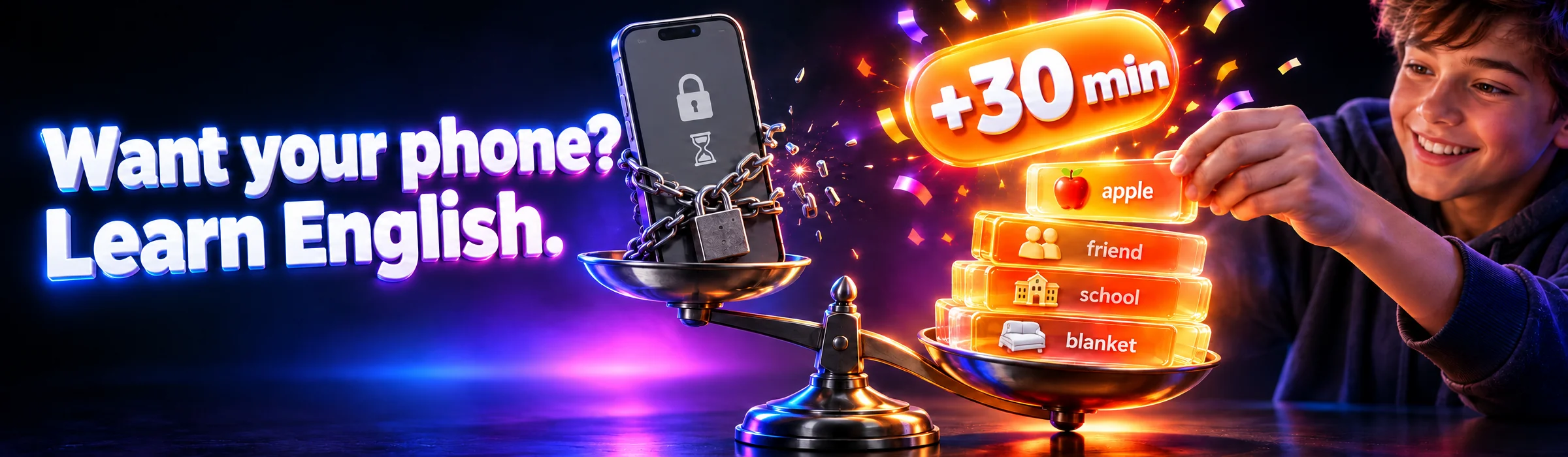
There’s no single “best” app for learning English — there’s only the one a child will still be using a month from now. And the main problem is almost always the same: after two weeks, a child stops opening any app unless someone reminds them. So here we compare Duolingo with Mova — a Duolingo alternative for kids where the daily lesson and reward in screen time work automatically, without parental reminders — as well as free resources.

Roman Shkabko · 11 min read
How to choose an app: 6 criteria
- Age. An app for a 5-year-old and one for a 13-year-old are completely different products. A preschooler needs pictures and audio without reading, while a teenager needs proper content and a faster pace. Half the disappointment comes down to simply choosing something that’s “not for their age.”
- Method. Check whether the app includes review of learned material. Words without spaced repetition are forgotten within a week — we covered how this works in detail in our article on how children can remember English words.
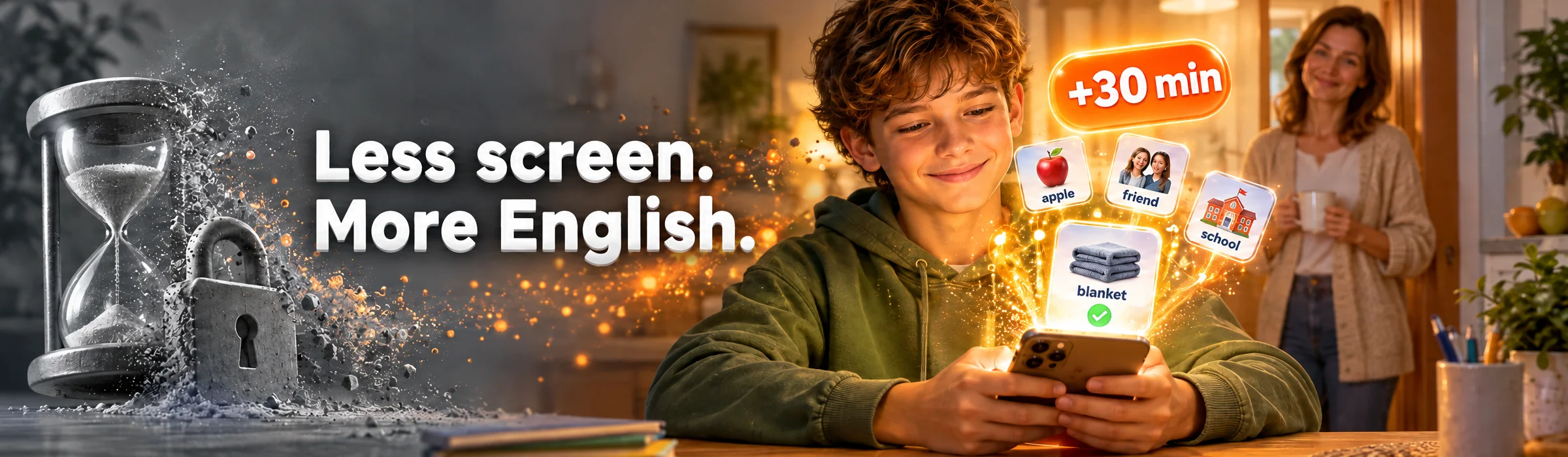
- Motivation without reminders. The key question is: what will make a child open the app on day 15, once the novelty has worn off? Points and cartoons work for the first two weeks. After that, you need either a habit or an external structure. In Mova, that structure comes from the phone itself: games only unlock for minutes earned through a lesson — every day, and without your reminders.
- Progress tracking for parents. If you can’t see what your child has actually completed and how many words they know, you’ll only find out they “quit a month ago” by accident. In Mova, completed days and words marked as “knows / learning” are visible in the parent web dashboard.
- Price. Don’t compare subscription prices — compare the cost per lesson actually completed. A free app abandoned after two weeks is more expensive than a paid one a child uses every day.
- Ukrainian localization. For school-age children, explanations in their native language noticeably lower the barrier to entry. For preschoolers, this matters less — everything is based on pictures and sound anyway.
By these criteria, parents most often compare two approaches: Duolingo, where everything depends on the child’s willpower, and Mova, where the lesson is built into access to the phone itself. For a child with a smartphone, Mova is the best Duolingo alternative: daily practice and the reward happen automatically, and parents don’t have to keep track or remind anyone. Here’s an honest look at both.
Duolingo: a strong app, but for a child it runs on willpower
Age: the main Duolingo app is roughly for ages 10+; the separate Duolingo ABC is for ages 3–8.
Duolingo is the best-known English learning app in the world, and for good reason: short lessons, smart gamification (streaks, leagues, chests), and an English course with a Ukrainian interface. The basic version is free with ads; Super Duolingo costs about UAH 350–500/month (as of 2026).
Strengths: the free tier is genuinely enough for many users; the streak works well for teens who like “not breaking the chain”; and review is built into the course.
Weaknesses for children: under ages 9–10, the main course is difficult — there’s a lot of reading and translation-based exercises. Duolingo ABC is free and ad-free, but it teaches reading to English-speaking children: the interface is in English, and without a basic vocabulary it’s hard for a child to use. Most importantly, Duolingo competes for attention with games and TikTok on the same phone. Whether to open it or not is entirely up to the child. Once the streak breaks, motivation often collapses with it — and you’re back to reminding them again.
Mova: a Duolingo alternative for kids that doesn’t need reminders
Platform: iPhone only.
Mova solves a different problem than Duolingo: not “make the lesson more fun so the child wants to do it,” but remove the need for reminders altogether. Games, social media, and videos on the child’s iPhone are blocked by category through Apple’s system mechanism, and the child earns minutes for them by completing a daily English lesson: a “Super” test earns 30 minutes, a “Good” test earns 20, and getting “Super” on all tests that day adds another +10. Minutes are credited automatically: there’s no need to keep a points chart on the fridge that no one follows after a week, and no need to remember who earned what. A new game from the App Store is automatically included in the block, and only a parent with the PIN can change the list.
Why Mova works better for children:
- Motivation is built into the system, not left to willpower. Screen time becomes a reward for learning, and the question “Did you study today?” disappears. Duolingo asks the child to want it; Mova turns the lesson into a ticket to their favorite games.
- Words don’t get forgotten. Every word is reviewed using the Leitner method — after 1, 3, 7, 14, and 30 days — and is only considered learned after several correct answers with increasing intervals.
- Level adapts without a placement test. Difficulty adjusts automatically based on the results of daily lessons.
- Progress tracking for parents. The web dashboard shows which days are completed, how many words the child knows, and how many they’re still learning.
- You set the rules. Rewards can be changed or turned off, and unused minutes can either roll over to the next day or expire overnight. There’s one shared balance across all of the child’s devices.
- No child email or phone number needed. The child signs in using a code from the parent.
Limitations — honestly: it only works on iPhone; it requires one-time setup on the child’s phone; and for a preschooler who doesn’t yet have their own phone, this format is too early. Current pricing is available at mova.family.
Mova vs Duolingo: comparison table
| Criterion | Mova | Duolingo |
|---|---|---|
| Platform | iPhone only | iOS, Android, web |
| Price/month | Current price at mova.family | UAH 0 (with ads) / about UAH 350–500 for Super |
| What makes the child study | Games, social media, and videos unlock for minutes earned through a lesson | Streaks and leagues — as long as the child still finds them interesting |
| What happens on day 15 | The lesson is part of daily access to the phone, so no reminders are needed | Once the streak breaks, many children stop using it |
| Word review | Leitner method: 1, 3, 7, 14, 30 days | Built into the course |
| Level | Adjusts automatically, no test needed | You choose the course and starting point |
| What parents can see | Web dashboard: days, words “knows / learning,” earned minutes | Whatever the child chooses to show |
| Parental involvement | One-time setup; after that, there’s no need to sit nearby | Minimal for a teenager; younger children need help |
Free online English for kids: what to add alongside an app
If there’s no budget for subscriptions, free online English for kids is absolutely possible. But with one caveat: no free resource guides a child through a full program, so you become the one providing the “schedule and motivation” — and those arrangements usually last about a week. That’s why free resources work best as a supplement: Mova handles daily practice, while songs, cartoons, and games make weekends more fun.
LearnEnglish Kids by the British Council
The highest-quality free site for children ages 5–12: songs, narrated stories, grammar games, and printable materials. Everything is designed by education specialists and has no ads. The downside is that the site is in English and doesn’t offer much adventure: a child won’t go there on their own, so shared activities are needed. If you want to organize them even if you don’t know the language yourself, see our article on doing English at home with your child.
Songs and cartoons in English
Nursery songs, cartoons about letters and sounds, Peppa Pig in the original. This is passive listening: it helps with pronunciation and builds familiarity with the language, but it doesn’t replace active study. It works well as a “background layer” alongside a main tool.

Word games
Online vocabulary and grammar games you can choose to match the week’s topic, as well as offline board games without gadgets. For more ideas on what to play in English with your child, see our collection of games for learning English.
Why children abandon apps after 2 weeks — and what to do about it
This is the most predictable scenario: excitement in the first few days, “later” in the second week, and by the third week the icon is forgotten on the screen. The reasons are pretty simple:
- The novelty wore off. Cartoons and points are fun while they’re new. After that, the app has to compete with games and TikTok — and it loses: those offer more dopamine for less effort.
- There’s no external structure. A school lesson happens because there’s a schedule and a teacher. A regular app has no schedule — only a push notification that’s easy to swipe away.
- The level is wrong. Too easy is boring; too hard feels discouraging. Both lead to the same result.
What actually works:
- Tie the lesson to an existing habit: every day after breakfast or right after school, at the same time. A habit forms after 3–4 weeks of short daily sessions.
- Short sessions matter more than long ones. 10–15 minutes every day gives more than an hour on Sunday — and causes less resistance.
- Look at progress together once a week. Not as a “check,” but as five minutes of genuine interest: what they learned, how many days in a row they’ve done it. A child needs to see that it matters to someone. In Mova, all you have to do is open the dashboard — there’s nothing you need to track yourself.
- The most reliable approach is to flip the logic: instead of you reminding them about the lesson, let the phone do it. In Mova, games only unlock for minutes earned through studying, the minutes are counted automatically — and “enforcement” stops being your role. This is exactly where ordinary apps fall short: their motivation lasts only while the child is interested, while Mova keeps working every day without parents.

An app is only one tool. To build a complete learning system by age — how much, when, and in what format — read our guide to English for children.
Frequently asked questions
Which English learning app should I choose for my child?
The one your child will use every day, not just for the first two weeks. For a teenager who likes keeping a streak going, Duolingo is a good fit. But if your child drops any app without reminders and has an iPhone, choose Mova: there, games and social media only unlock for minutes earned through an English lesson.
Is Duolingo suitable for children?
From about age 10, yes: by then a teen can read the tasks independently and is often drawn in by streaks and leagues. For younger children, the main Duolingo app is difficult: too much text and too many translation exercises. There’s a separate free Duolingo ABC for ages 3–8, but it teaches reading to English-speaking children, and the entire interface is in English.
How is Mova different from Duolingo?
Duolingo keeps a child engaged through gameplay and streaks — so it depends on whether they feel like opening the app. Mova ties the lesson to the phone itself: entertainment on the child’s iPhone only unlocks for minutes earned by completing a test, words are reviewed using the Leitner method, and parents can see progress in a web dashboard. Mova’s downside: it’s iPhone-only.
Where can children learn English online for free?
The strongest free resource is LearnEnglish Kids by the British Council: songs, stories, games, and printable materials. Add songs and cartoons in English, plus online word games. There’s just one drawback: free resources don’t guide a child through a structured program, so all the consistency falls entirely on the parents.
Which app should I choose to help my child learn English words?
Don’t look for simple “flashcards” — look for spaced repetition: a word should come back after 1, 3, 7, 14, and 30 days, otherwise it will be forgotten within a week. That’s exactly how Mova works, using the Leitner method. One-off word games are fun, but without review they only have a short-term effect.
If your child has already given up on Duolingo, the problem most likely isn’t your child or the app — it’s that you’re the one who has to remind them every day. Mova takes that off your shoulders: games and social media on your child’s iPhone only unlock for minutes earned through a short English lesson, words are reinforced through spaced repetition, and you can see progress in the dashboard. Screen time becomes a reward for learning, not a source of conflict. Details and current pricing are available at mova.family.